The AI chat widget for your website and WhatsApp
One AI chat widget for your website, plus a WhatsApp click-to-chat button that connects visitors directly to your WhatsApp. Escalations land in your shared inbox with full context.
No credit card · 5-min setup · Free 14-day trial
98%
Query resolution
5 min
Setup time
Up and running on your website in 5 minutes
No developer, no complex setup, no weeks of implementation. Paste one snippet and your AI widget is live.
Add one line of code
Paste a single script tag into your website's HTML head, or install via our React, Next.js, Shopify, or WordPress plugin. No backend required.
Works on any website with one embed snippet.Train from your data & configure
Train your AI widget from your data like PDFs, Websites, and FAQs in seconds. Customize your brand colors, welcome messages, and trigger rules without code.
Train from PDFs, Websites & FAQs instantly.Go live and watch it work
Your AI widget starts engaging visitors immediately, answering questions, capturing leads, routing to agents, and collecting satisfaction ratings automatically.
Real-time analytics from day one.What you get out of the box
 Voice
VoiceEverything your AI chat widget needs to convert on its own
Packed with features that handle support, capture leads, and delight visitors, all without lifting a finger.
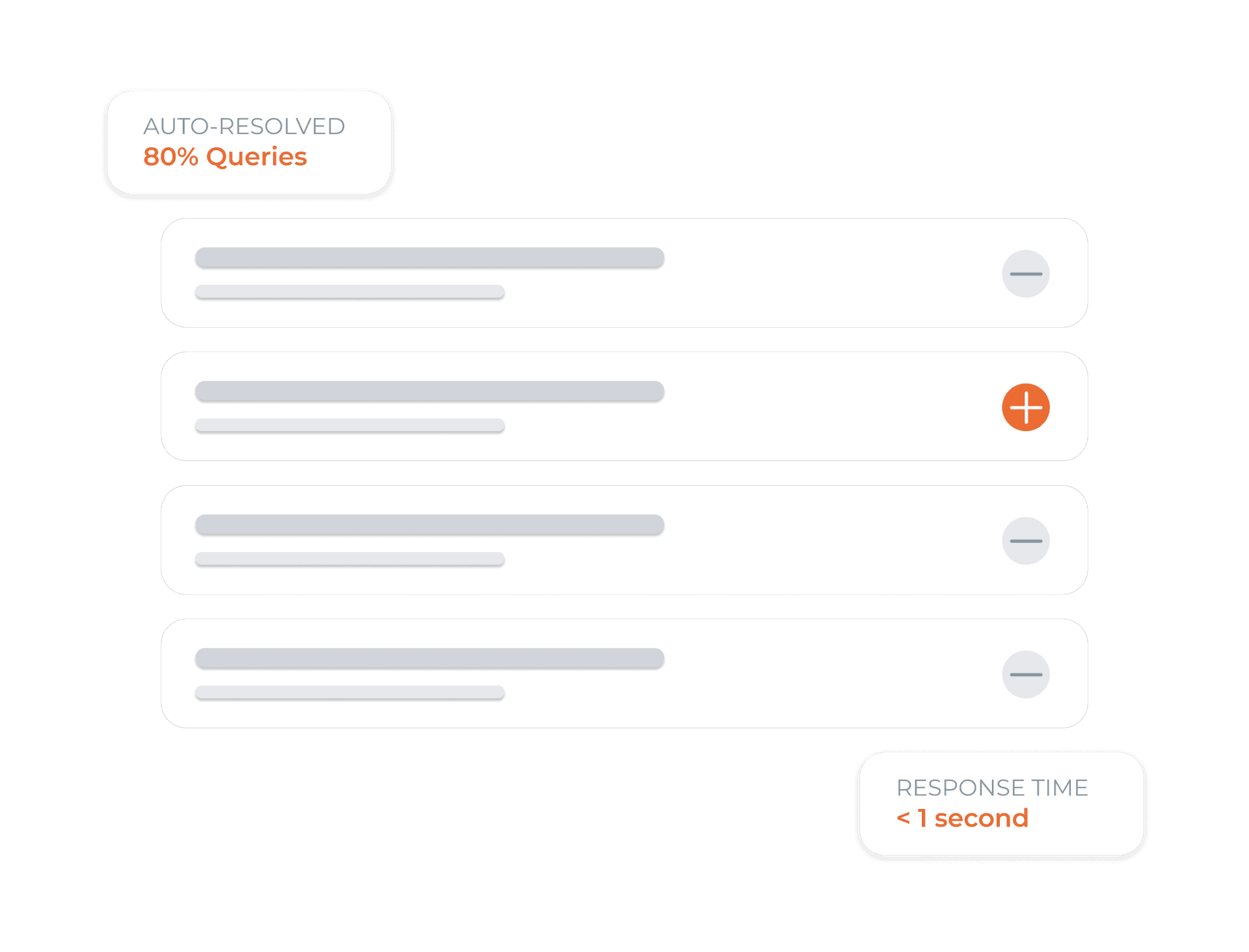
Instant answers to every question, zero agent needed
Load your knowledge base once. Your AI chat widget answers pricing, policy, product, and process questions with pinpoint accuracy, 24/7, in under a second.
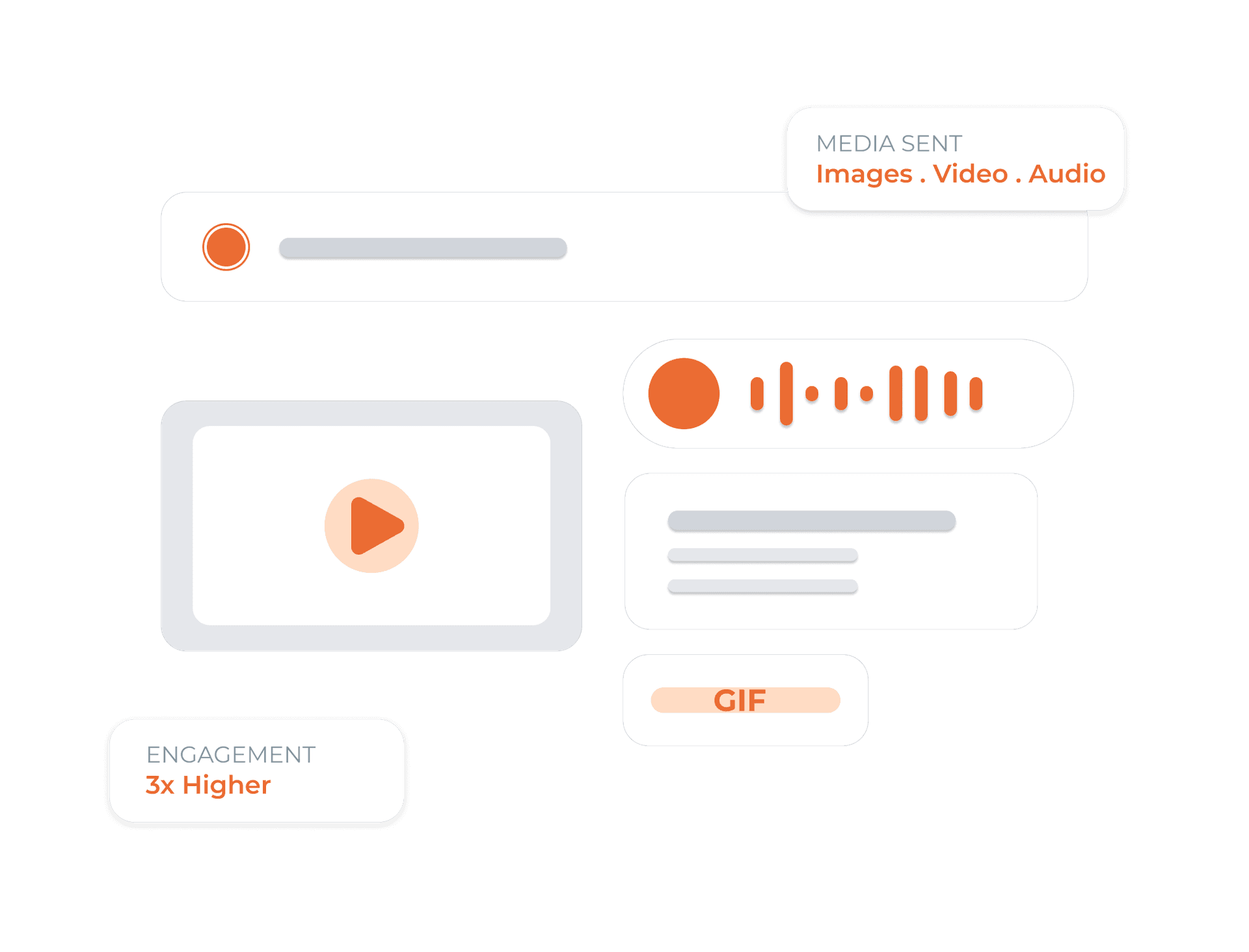
Send images, audio, video, stickers, GIFs and documents
Your widget isn't just text. Share product images, how-to videos, voice notes, animated GIFs, and PDF documents, all natively inside the chat window.
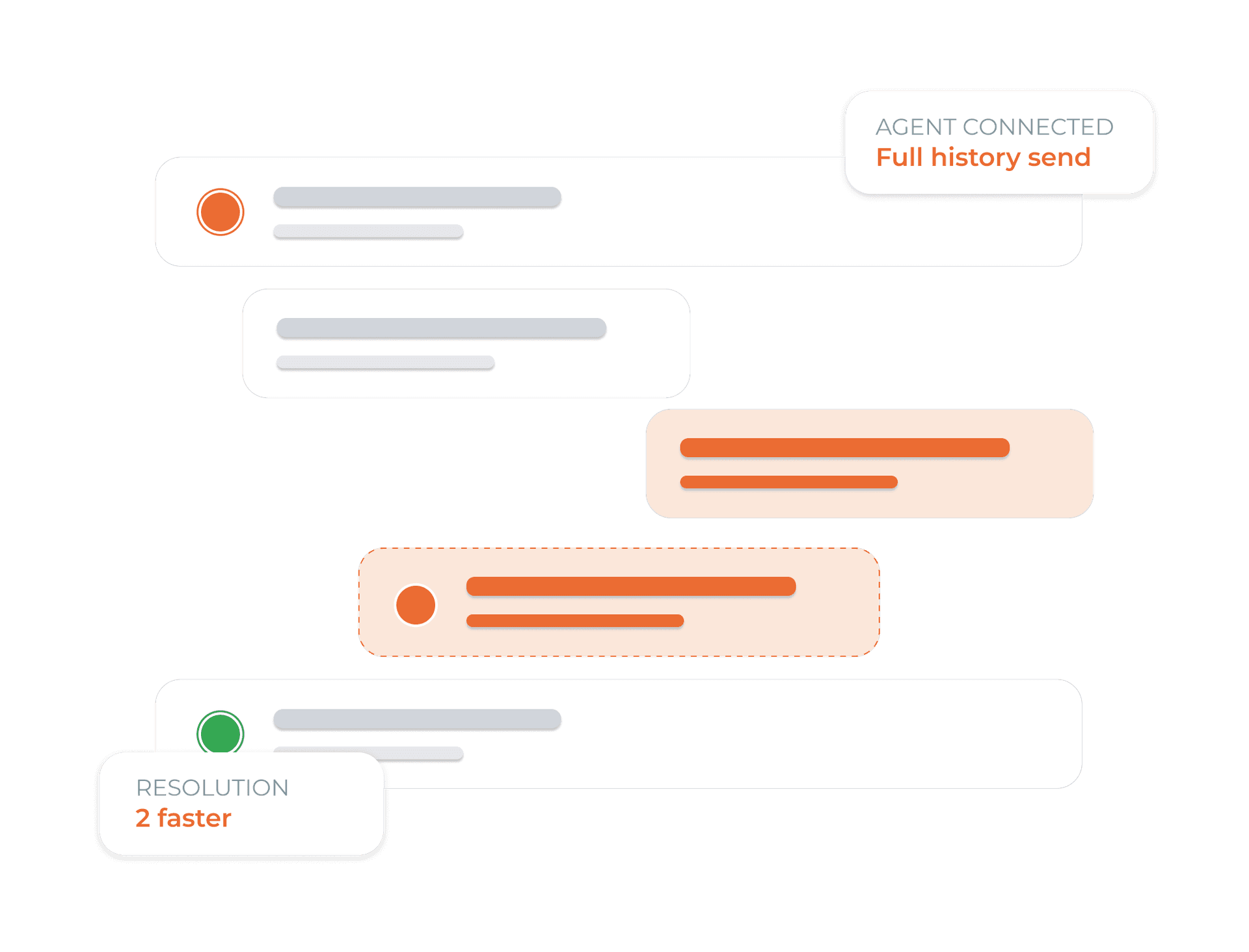
Pass complex chats to your team, instantly, seamlessly
When a visitor needs a human touch, the AI hands off with the full chat context already in your agent's shared inbox. No re-explaining. No dropped conversations.
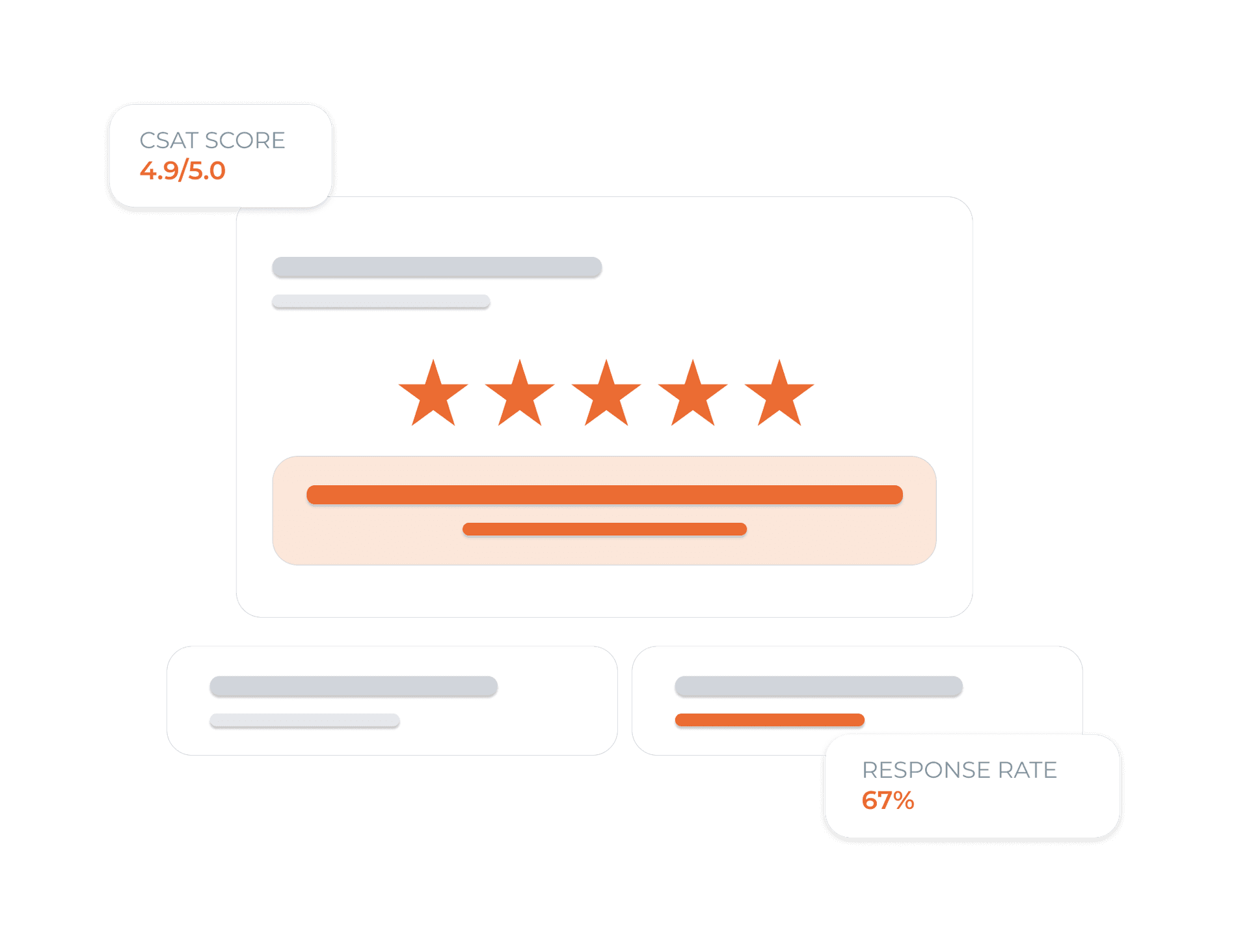
Measure and improve customer happiness after every chat
Automatic post-chat CSAT surveys collect ratings and feedback. Track scores over time, identify friction points, and continuously improve your support quality.
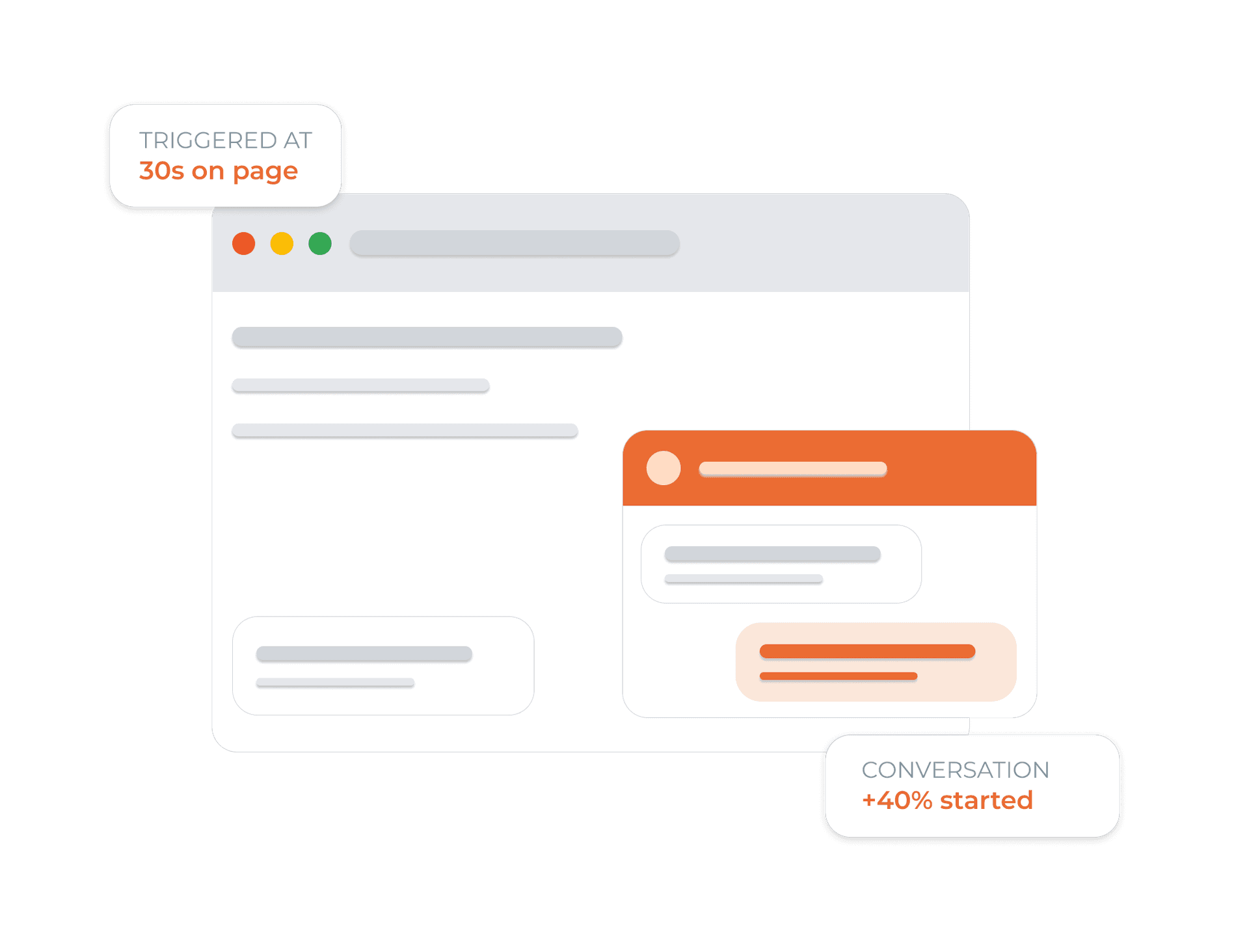
Greet every visitor with instant AI assistance
Display custom welcome messages and quick FAQ prompts when visitors open your website. Convert visitor interest into active, helpful conversations immediately.
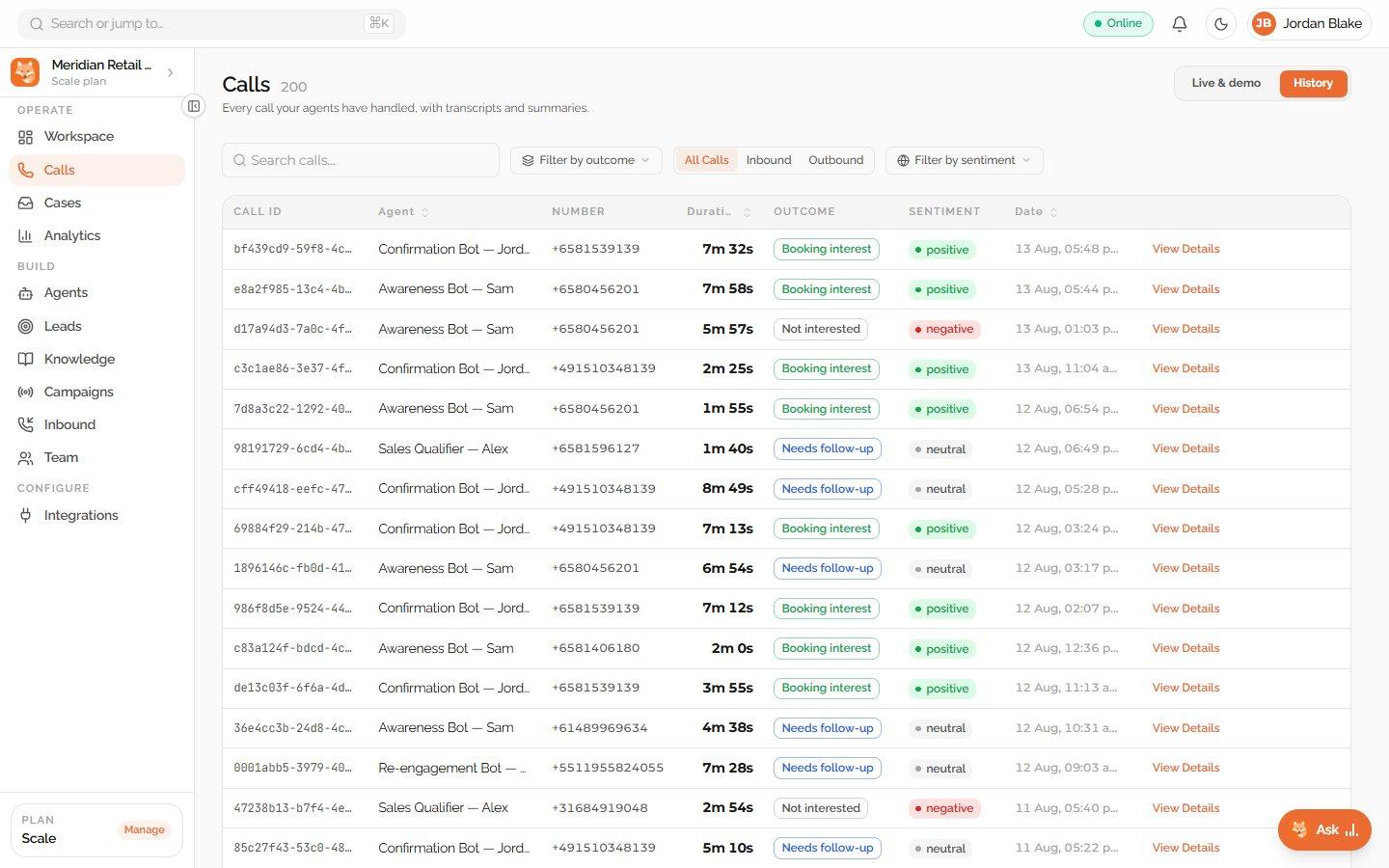
Use an AI chat widget for the website and an AI voice agent for the phone
The Dunefox widget handles website and WhatsApp conversations. Dunefox Voice extends the suite to spoken inbound and outbound calls, so each customer can start in the channel they chose.
- Website questions stay in the chat experience
- Phone enquiries use Dunefox Voice
- Ground every channel in approved business content
- Give your team a clear follow-up path
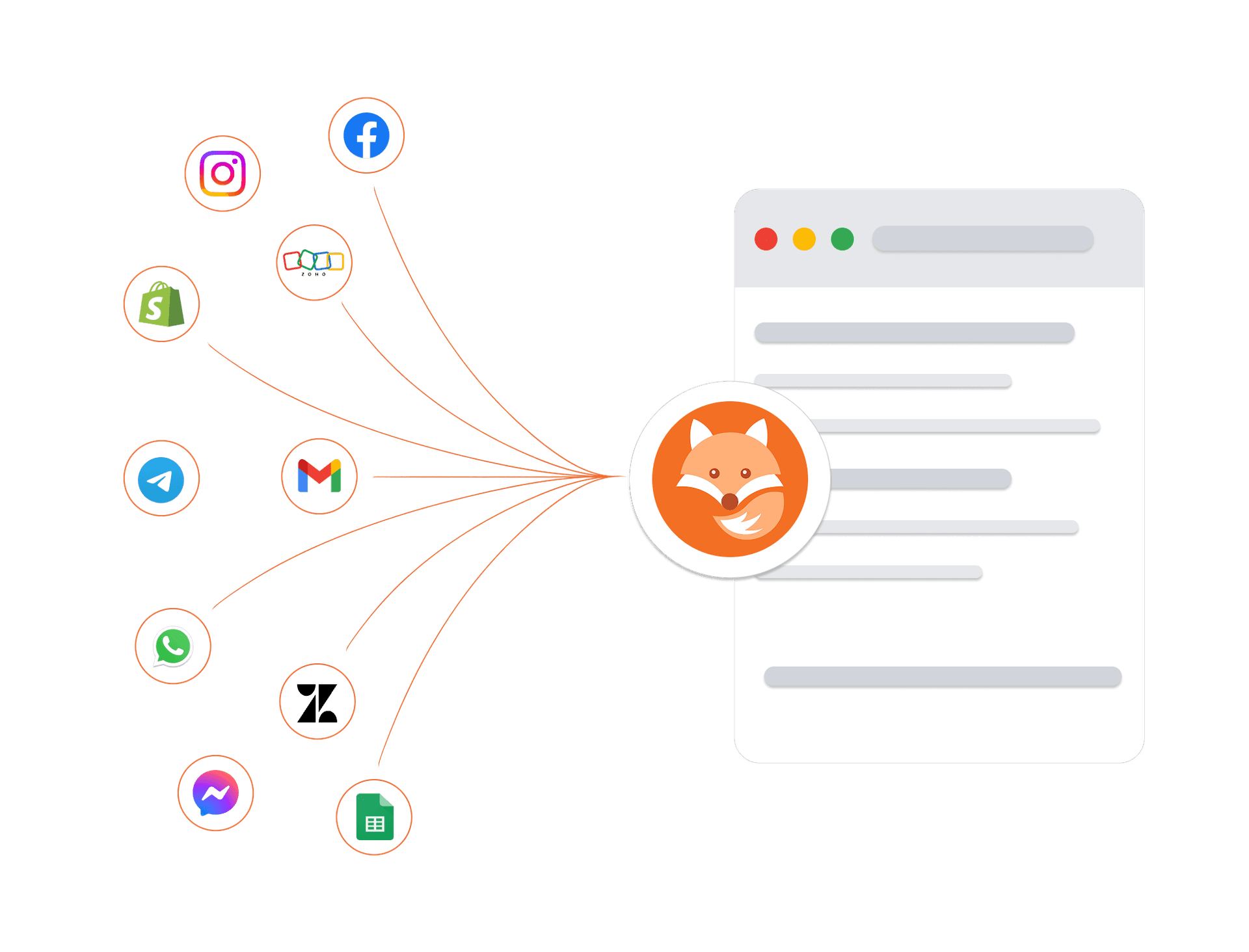
Connects to your tools. Protects your data
Connect your existing tools, including telephony providers for AI voice calling, and trust that every customer conversation is protected by enterprise-grade security architecture.
Encrypted in transit and at rest
Every conversation and customer record is protected at every layer.
Enterprise isolation
Your data is strictly sandboxed per workspace.
High-availability infrastructure
Built on managed cloud infrastructure with monitoring and backups.
GDPR-ready controls
Data export and deletion workflows are available.
Frequently asked questions about Dunefox
How do I add the AI chat widget to my website?
Paste one script tag before your closing </body> tag. It works on any website, including WordPress, Shopify, Webflow, React, and plain HTML. The widget appears within seconds. No backend or developer required.
Can the AI widget answer questions specific to my business?
Yes. You train it on your own content, paste your website URL, upload PDFs, or add your help docs. The AI learns your products, pricing, and policies and answers visitors based on that knowledge base.
What happens when the AI widget cannot answer a question?
The conversation is escalated to your team automatically, with the full chat history already in your shared inbox. Your agent picks it up without the visitor needing to repeat anything.
How does the WhatsApp widget work?
The WhatsApp widget places a floating click-to-chat button on your site. When a visitor clicks it, WhatsApp opens, on mobile app, desktop app, or WhatsApp Web, with your number pre-loaded and an optional pre-filled message. No AI involved, it is a direct redirect.
Can I customise how the chat widget looks?
Yes, brand colors, avatar, greeting message, position (bottom-left or bottom-right), and launcher icon are all configurable from your dashboard. Advanced users can also inject custom CSS.
Does the AI widget work on mobile devices?
The widget is fully responsive and optimised for mobile, tablet, and desktop. It adjusts its layout and touch target sizes automatically based on screen size.
Add the AI widget that works while you sleep
Website chat and a WhatsApp widget, both covered. One platform, zero complexity.
14 days free. All Fox Pro features. No card required.