One shared inbox. Every channel. Zero missed conversations
Bring every customer conversation into one intelligent inbox. From WhatsApp to web chat, Instagram, Telegram, and Facebook Messenger, with AI-powered routing, smart assistance, and team collaboration built in.
No credit card · 5-min setup · Free 14-day trial
James Rivera
via WhatsApp
AI: "Address updated. Your order #8821 will arrive tomorrow."
Use4+
Channels unified
1m 24s
Avg first response
Complete visibility across every channel
Everything your team needs, including channels, conversation lists, active chats, and customer details, organized in one intelligent workspace.
Channel switcher
5 channels in one list
AI Assist panel
Suggests replies in real time
Internal notes
Private team-only comments
Contact details
Tags, history, and assignment
Live in three steps
Move from separate channels to a unified AI-powered inbox without touching a single line of code.
Connect your channels
Connect your WhatsApp Business, website widget, Telegram, Instagram, and Facebook pages to Dunefox in just minutes. Our guided setup walks you through every step, making onboarding fast and effortless.
WhatsApp, Web, IG, FB, TG - all supported.Set your Routing Rules
Ensure every conversation reaches the right team at the right time. Configure smart routing, working hours, backup agents from one intuitive dashboard completely code-free.
Smart routing without engineering.Inbox live - AI assists from day one
Your team starts receiving all conversations in one inbox immediately. The AI reads every incoming message and suggests a reply before your agent types a word.
Faster replies from the very first conversation.What you get out of the box
 Voice
VoiceSetup timeline
Built for teams that move at the speed of conversation
Everything your support and sales team needs in one inbox, with AI working alongside every agent.
WhatsApp, web chat, and social platforms all in one place
Stop switching between apps. Every conversation from every channel lands in a single, unified inbox. Your team sees full context, channel source, and history regardless of where the message came from.
AI drafts the reply. Your agent sends it.
As an agent reads a conversation, the AI generates a suggested reply in real time - pulling from your knowledge base and past conversations. Agents review, edit, and send. Replies in seconds, not minutes.
Share any file, image, audio, or video in chat
Agents can send and receive images, audio messages, video clips, PDFs, and GIFs directly inside conversations - across all channels. No need to move files outside the inbox.
Assign, route, and collaborate inside every conversation
Set auto-assignment rules by channel, keyword, or team. Add private notes visible only to your team. Transfer conversations with context intact. Everyone knows who owns what.
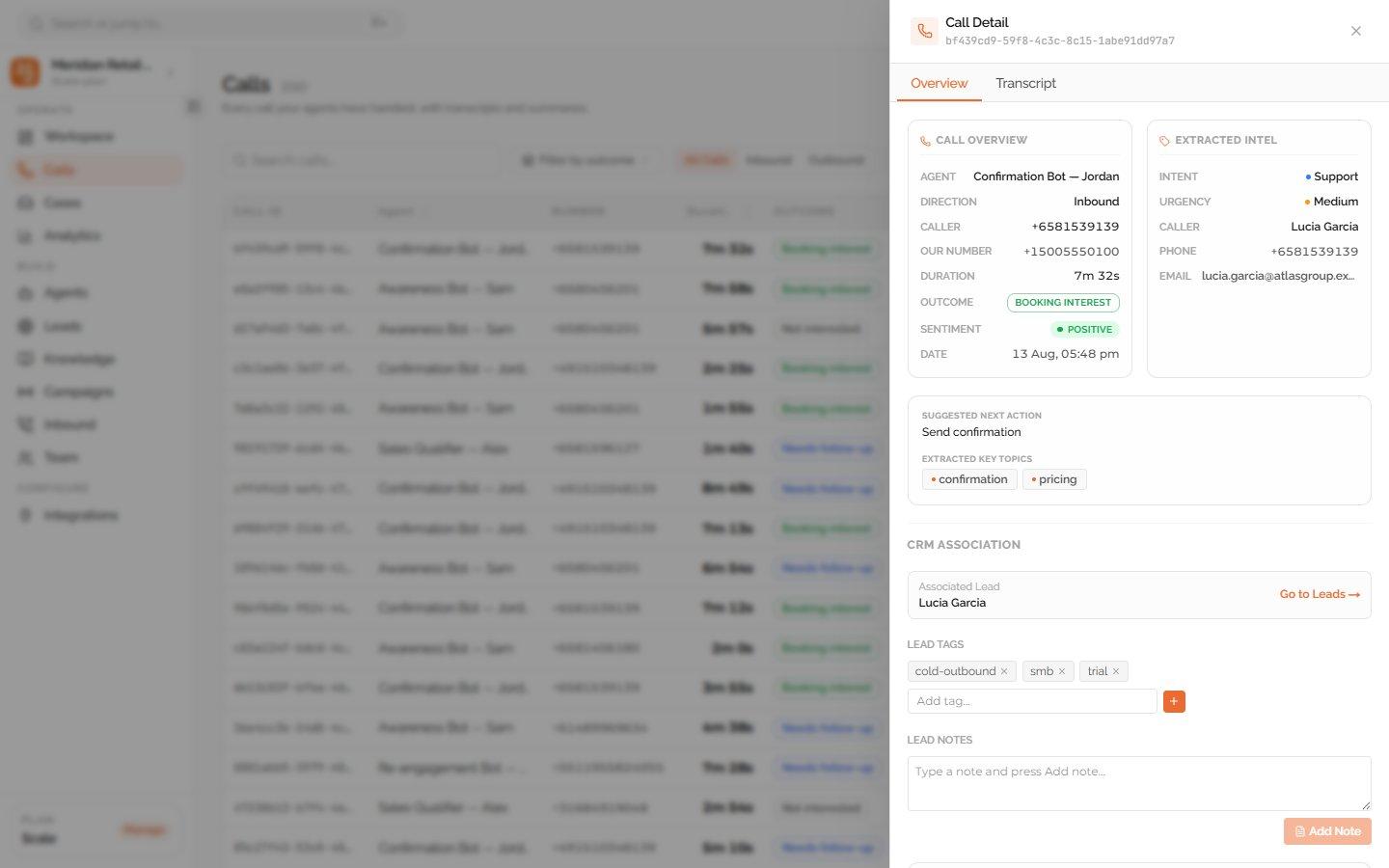
Connect message history with Voice call context
Dunefox Shared Inbox brings web, WhatsApp, and social conversations together. Dunefox Voice adds phone transcripts, summaries, outcomes, and the context your team needs for follow-up.
- Manage messaging conversations in Shared Inbox
- Review phone call records in Dunefox Voice
- Use summaries and outcomes for follow-up
- Carry clear context into the next action
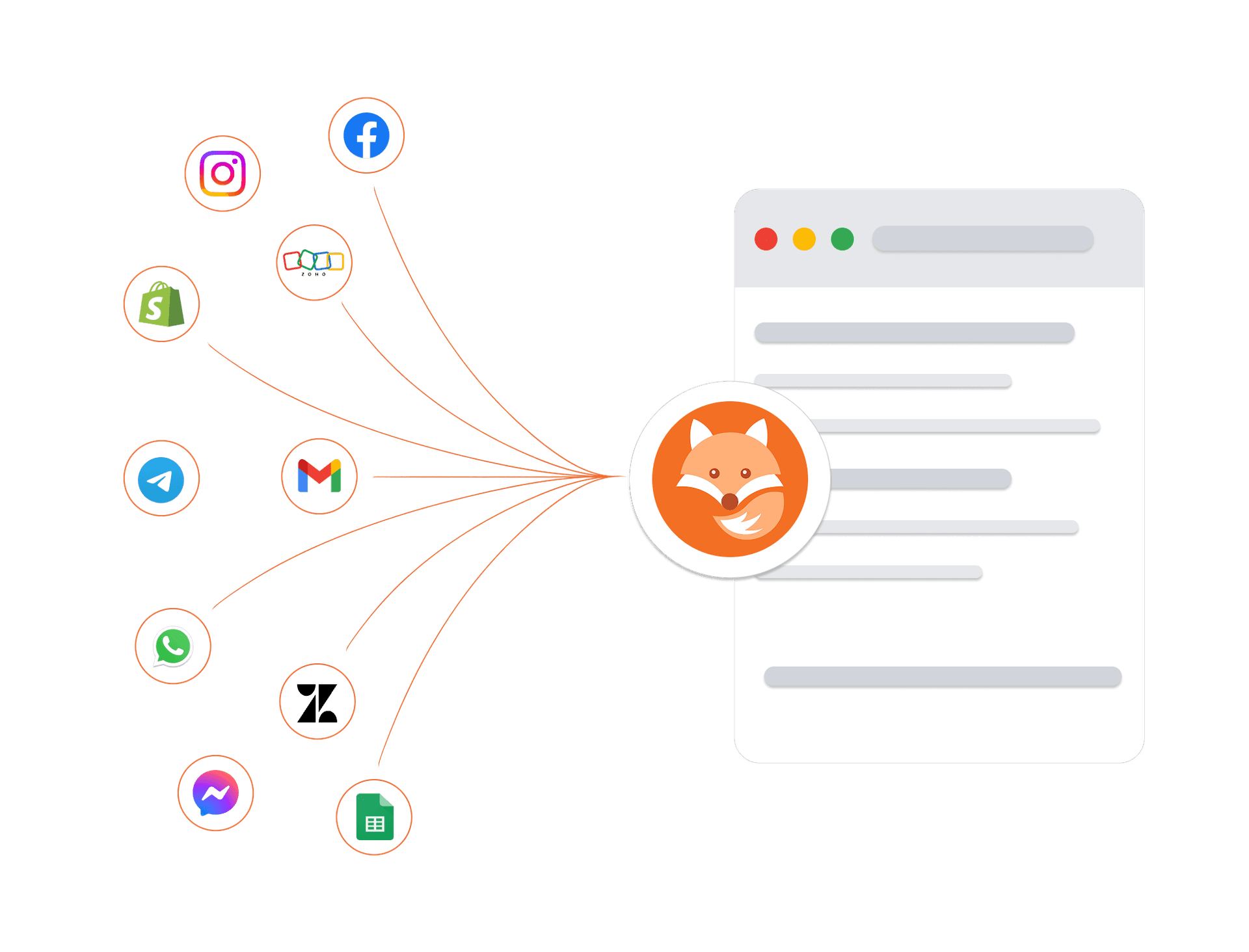
Connects to your tools. Protects your data
Connect your existing tools, including telephony providers for AI voice calling, and trust that every customer conversation is protected by enterprise-grade security architecture.
Encrypted in transit and at rest
Every conversation and customer record is protected at every layer.
Enterprise isolation
Your data is strictly sandboxed per workspace.
High-availability infrastructure
Built on managed cloud infrastructure with monitoring and backups.
GDPR-ready controls
Data export and deletion workflows are available.
Frequently asked questions about Shared Inbox
What is the Dunefox shared inbox?
The Dunefox shared inbox is a unified workspace where all customer conversations from WhatsApp, Facebook Messenger, Instagram Direct, Telegram, and website chat arrive in one view. New messages appear in real time without page refresh. Conversations are sorted by latest activity with unread count badges. Teams use filters to view by channel, read status, assignment, or open/closed state.
Can multiple agents use the Dunefox inbox at the same time?
Yes. Dunefox supports multi-agent workspaces across all paid plans. Business owners and managers can assign any conversation to a specific agent with one click, which automatically creates a support case. Agents see only conversations assigned to them by default. The 'Manage Chats' permission can be granted to allow agents to view all conversations.
How does the AI to human handoff work in the Dunefox inbox?
Each conversation has an AI/Human toggle. In AI mode, the Dunefox AI agent responds automatically. When a team member switches to Human mode, they take over the conversation directly and the customer receives a friendly notification. Switching back to AI mode re-enables automated responses.
Can agents search for conversations in the Dunefox inbox?
Yes. The Dunefox inbox includes full-text search across conversations, letting you search by customer name, message content, or case number. Quick filters allow instant views of unread conversations, assigned conversations, conversations with a contact name, or conversations from a specific channel (e.g., only WhatsApp or only Instagram).
Does the Dunefox inbox work on mobile?
Yes. The Dunefox inbox is fully responsive and adapts to any screen size, including mobile browsers. Agents can read, reply, assign, and manage conversations from a phone or tablet without needing a desktop. There is no separate mobile app required.
One inbox. Every channel. AI on every message
Replace disconnected shared inbox tools with team inbox software built for WhatsApp, web chat, Instagram, Facebook, and Telegram.
14 days free. All Fox Pro features. No card required.