Capture, score, and convert leads across all your channels
Dunefox captures high-intent prospects from WhatsApp, Web chat, Instagram, Telegram, Facebook, and Voice calls automatically. Route hot leads to your sales team in seconds.
No credit card needed. Setup in about 5 minutes.
Inbound WhatsApp Lead
Auto-captured by Dunefox
Hi! I need annual pricing for our team of 15 sales reps.
Prospect • 10:24 AM Dunefox AI Agent
Thanks for reaching out! Annual plans start at $49/seat with priority SLA. I have routed your query to our enterprise specialist.
Replied in 0.3sAisha Patel
Hot Lead£8.2K
QualifyJames Rowan
WarmWeb Chat
£4.8K
Follow UpSophie Chen
New£3.1K
ContactOliver Marsh
Hot Lead£6.7K
QualifyFrom captured to converted
Everything your team needs to close more deals: lead capture, qualification, tagging, reminders, and follow-ups.
Every lead is captured automatically from every channel.
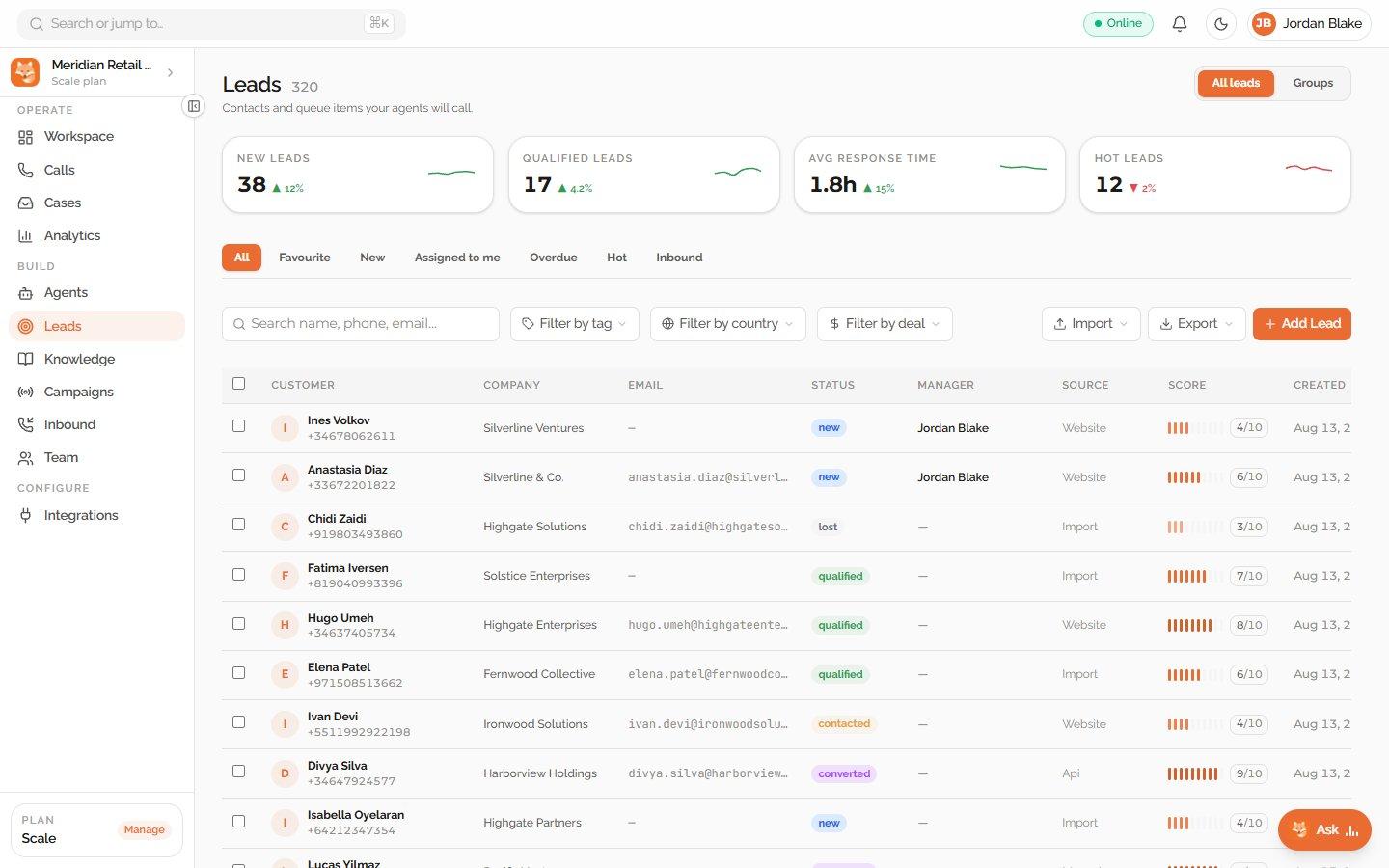
When a customer shares their contact details through WhatsApp, your website chat, or email, Dunefox automatically creates a lead profile. Contact information, source channel, conversation history, and time of interaction are all saved instantly - so your team has complete customer context from the very first conversation.
Qualify, tag, and prioritise every lead in one click
Update a lead's status (New, Contacted, Qualified, Converted, Lost), assign High/Medium/Low priority, flag hot leads with a single click, and add predefined or fully custom tags. Every action synced instantly across your team.
Find and organize the right leads with advanced filters.
Dunefox lets your team filter leads by source channel, status, tags, date range, or priority level. Combine multiple filters to quickly find specific groups of leads, track important opportunities, and focus on the contacts that need attention. Save your most-used filters for faster access whenever you need them.
Never miss a follow-up. Export anywhere, anytime.
With Dunefox, you can set follow-up reminders for every lead with notes and due dates, so your team never misses an important next step. When a lead is ready, export their contact details, tags, conversation history, and status to any connected business tool keeping your data complete and organized everywhere.
From first conversation to a qualified lead in three simple steps
Dunefox automatically captures lead details, helps your team organize and follow up, and turns interested visitors into customers.
Leads are captured automatically from every channel
When a customer shares contact details through messaging or a qualified Voice call, Dunefox creates structured lead context for your team.
WhatsApp, Web, Social and Voice.Organize and manage every lead in one CRM
Use Dunefox to update lead status, set priority levels, add tags, and identify high-interest leads. Filter leads by channel, date, or status, so your team always has a clear view of every opportunity.
Status, Priority, Tags and High-interest leads.Follow up on time and export when needed
Set reminders for each lead, so your team never misses an important follow-up. When you're ready, export lead data, contact details, and tags to your CRM, spreadsheets, or connected business tools with just a few clicks.
Reminders, Export, Integrations built in.Lead lifecycle
 Voice
VoiceLead visibility in one unified dashboard
Manage every lead from one view with channel source, lead status, priority levels, tags, follow-up reminders, activity history, and export options.
Auto-captured
WhatsApp · Web Chat · Email
Status management
Qualify · Convert · Lost
Smart tagging
Predefined + custom tags
Export and reminders
CRM integrations + alerts
Qualify and follow up with leads by phone
Dunefox Voice extends the lead workflow to inbound qualification and outbound AI voice campaigns. Call outcomes, intent scores, and next actions give your team a structured follow-up path.
- Qualify callers with structured questions
- Return intent, outcome, and next action
- Schedule follow-up calls in approved windows
- Keep messaging lead capture on this page
Connects to your tools. Protects your data
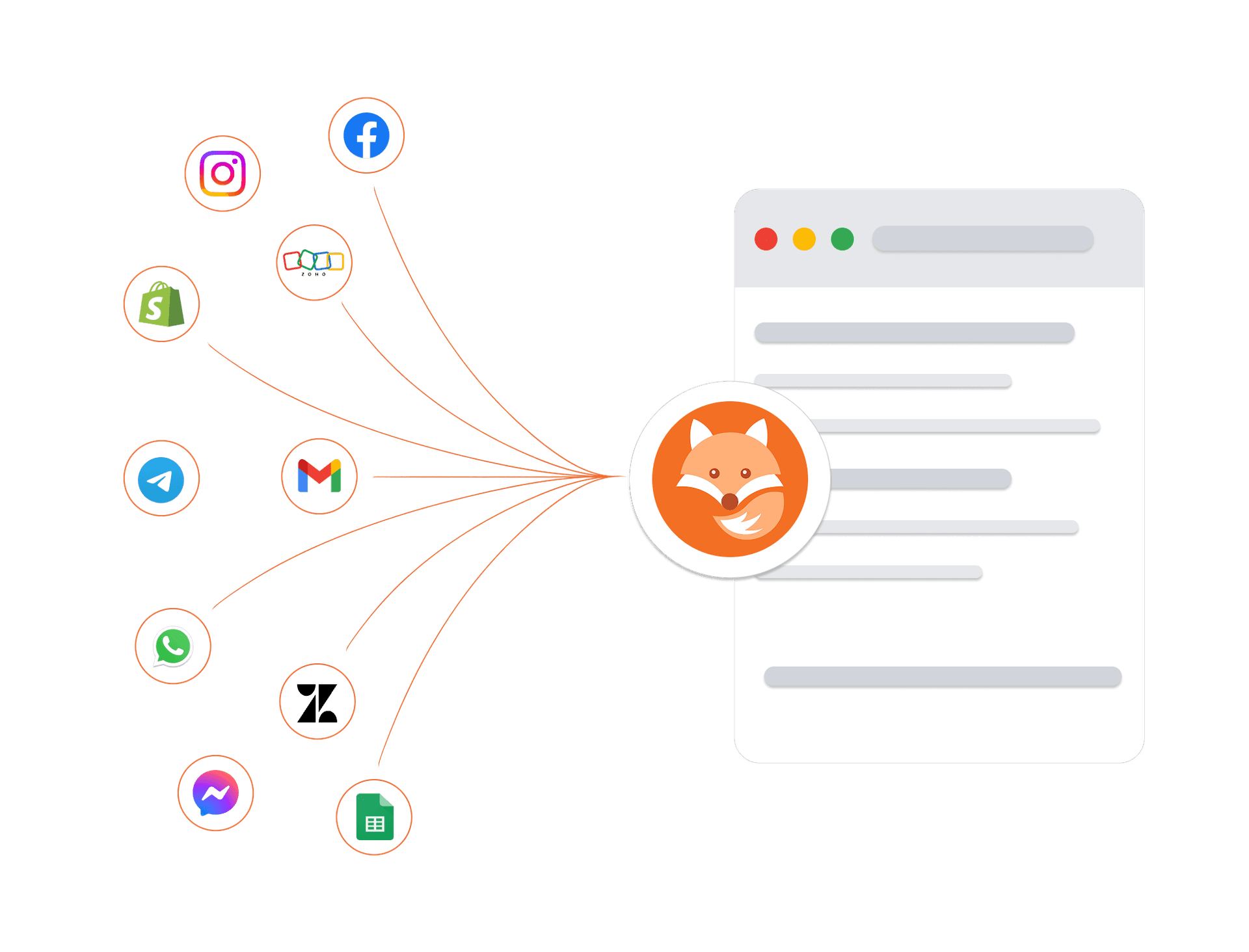
Connect your existing tools, including telephony providers for AI voice calling, and trust that every customer conversation is protected by enterprise-grade security architecture.
Encrypted in transit and at rest
Every conversation and customer record is protected at every layer.
Enterprise isolation
Your data is strictly sandboxed per workspace.
High-availability infrastructure
Built on managed cloud infrastructure with monitoring and backups.
GDPR-ready controls
Data export and deletion workflows are available.
Frequently asked questions about AI lead capture
How does Dunefox capture leads automatically?
Dunefox captures leads from every connected channel, including WhatsApp, website chat, Instagram Direct, Facebook Messenger, and Telegram, the moment a conversation shows buying intent. No manual data entry is required. Each lead record is created automatically with the customer's channel, contact details, first message, and timestamp. All leads from all channels appear in one unified lead inbox.
What is AI intent scoring in Dunefox?
AI intent scoring assigns each lead a score from 0 to 100 based on signals from their conversation: purchase-intent language, product questions, engagement frequency, and tone. A score of 80+ indicates a high-intent, sales-ready prospect. Scores are calculated automatically and update in real time as the conversation develops. Sales teams use the score to prioritize who to contact first.
What lead pipeline stages does Dunefox track?
Dunefox tracks five pipeline stages: New, Contacted, Qualified, Converted, and Lost. Leads move between stages with a single click. Every stage change is logged in the lead's activity timeline with a timestamp and the agent who made the change. Managers can filter the full lead list by any pipeline stage instantly.
Can I add notes and tags to leads in Dunefox?
Yes. Team members can add internal notes to any lead, which are visible to the whole team but invisible to the customer. Custom tags (e.g., 'Hot lead', 'Decision maker', 'Demo requested', 'Budget confirmed') can be added to any lead and are fully searchable. Both notes and tags are displayed in the lead's activity timeline.
Can I export leads from Dunefox to Excel or a CRM?
Yes. You can filter leads by status, source channel, date range, product interest, tag, or priority, then export the filtered results to Excel with one click. For CRM integration, Dunefox connects to HubSpot, Salesforce, and custom APIs so leads sync automatically without manual export.
Does Dunefox track where each lead came from?
Yes. Every lead record includes lead source attribution, showing which channel the lead came from (WhatsApp, website chat, Instagram, Facebook, or Telegram) and how they were qualified (by AI intent scoring, keyword trigger, or manually by a team member). Lead source breakdown is also visible in the Analytics dashboard.
Can Dunefox assign a deal value to leads?
Yes. Team members can attach an estimated deal value to any lead record, allowing the sales team to prioritize by revenue potential rather than just by intent score. Deal value is visible in the lead list and filters, and is included in Excel exports.
How does the human handoff work when AI qualifies a lead?
When the AI determines that a lead is high-intent based on scoring signals such as purchase-ready language, budget confirmation, or repeated product questions, it routes the conversation to a human agent in the shared inbox. The agent sees the full conversation history, the AI-generated lead profile, the intent score, and the reason for escalation. The handoff is instant and the customer experiences no interruption because the conversation stays in the same WhatsApp or web chat thread.
Can I set up lead qualification rules for different products or services?
Yes. Dunefox lets you configure the AI qualification flow per product or service line. For example, a real estate business can ask about budget, location, and timeline for property leads, while a coaching institute asks about course interest, batch preference, and academic background. Each qualification flow collects different data points and applies different scoring criteria, all within the same Dunefox account.
How does Dunefox handle leads from WhatsApp ads (Click-to-WhatsApp)?
When a prospect clicks a WhatsApp ad on Facebook or Instagram, the conversation opens directly in WhatsApp. Dunefox captures the lead immediately with the ad campaign source tagged on the record. The AI engages the prospect, qualifies them through conversation, and scores their intent. Your team sees exactly which ad campaign generated each lead, and the lead record tracks the full journey from ad click to conversion or drop-off.
What happens to leads that do not qualify immediately?
Leads that score below the high-intent threshold are not discarded. They stay in your pipeline at the appropriate stage (New or Contacted) and can be nurtured with follow-up messages, WhatsApp broadcast campaigns, or re-engagement sequences. If their intent signals change, such as returning to ask about pricing or requesting a demo, the AI updates their score and can re-route them to your sales team.
Start capturing leads automatically today
Turn conversations across WhatsApp, web, and social into qualified pipeline through a guided setup.
14 days free. All Fox Pro features. No card required.