Every Issue Captured. Every Ticket Handled. Intelligently
When a customer message requires action, Dunefox automatically creates a ticket, assigns it to the right team member, and tracks it until the issue is resolved. No manual effort needed.
No credit card · 5-min setup · Free 14-day trial
Delivery not arrived after 7 days
#T-2841 · James R. · WhatsApp
Wrong item shipped in order #9920
#T-2840 · Priya N. · Instagram
Refund not processed after 3 days
#T-2839 · Oliver B. · Web Chat
Invoice details incorrect
#T-2838 · Sophie M. · Telegram
Auto-created
By AI instantly
SLA tracked
Every ticket
From first message to resolved ticket - automated
AI handles detection, creation, and assignment. Your agents focus entirely on resolving - faster, with AI assist on every reply.
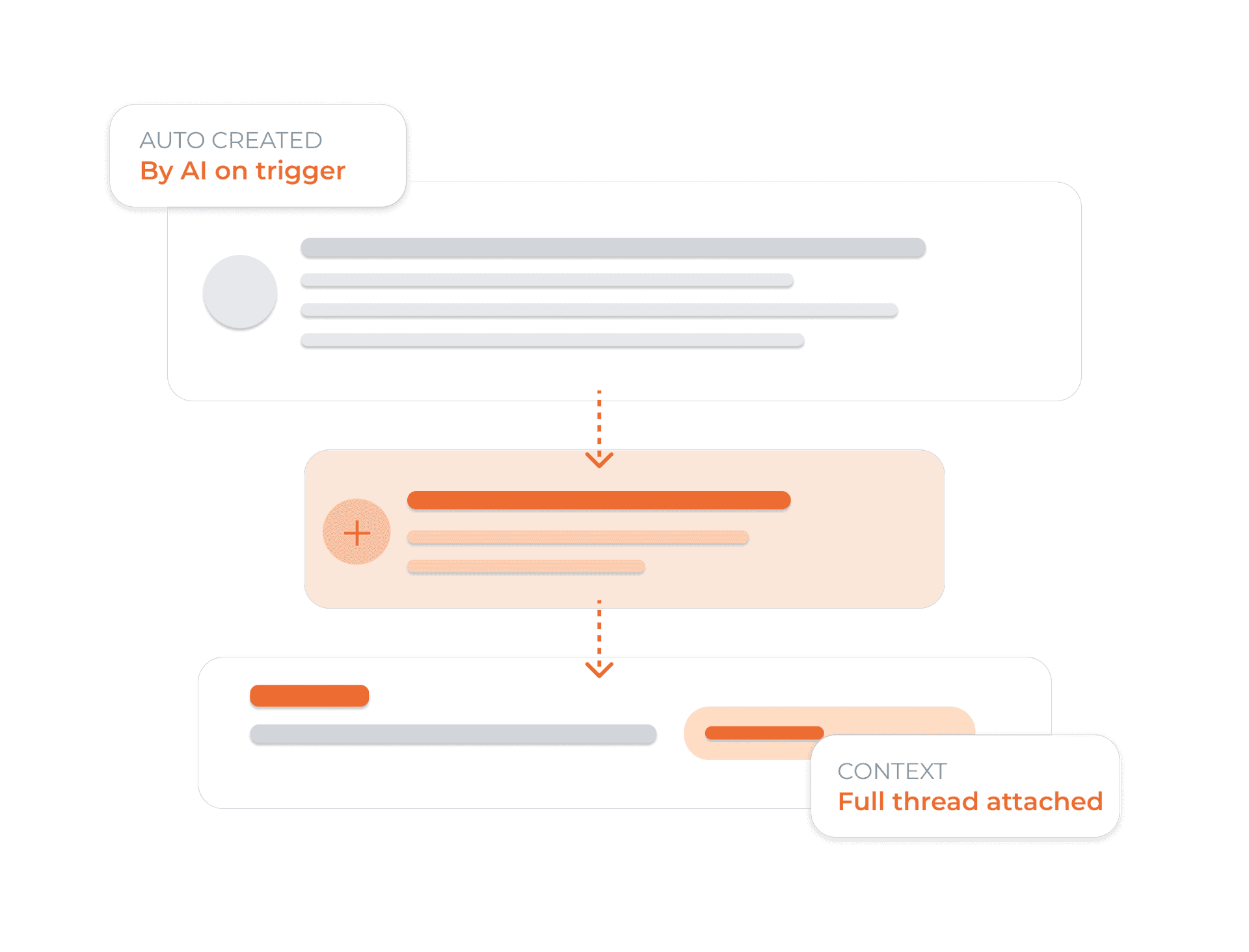
AI creates tickets automatically - no manual work
When a customer message needs follow-up action, Dunefox creates a ticket with the conversation attached. Voice transcripts and summaries can give the team additional context when a phone follow-up is needed.
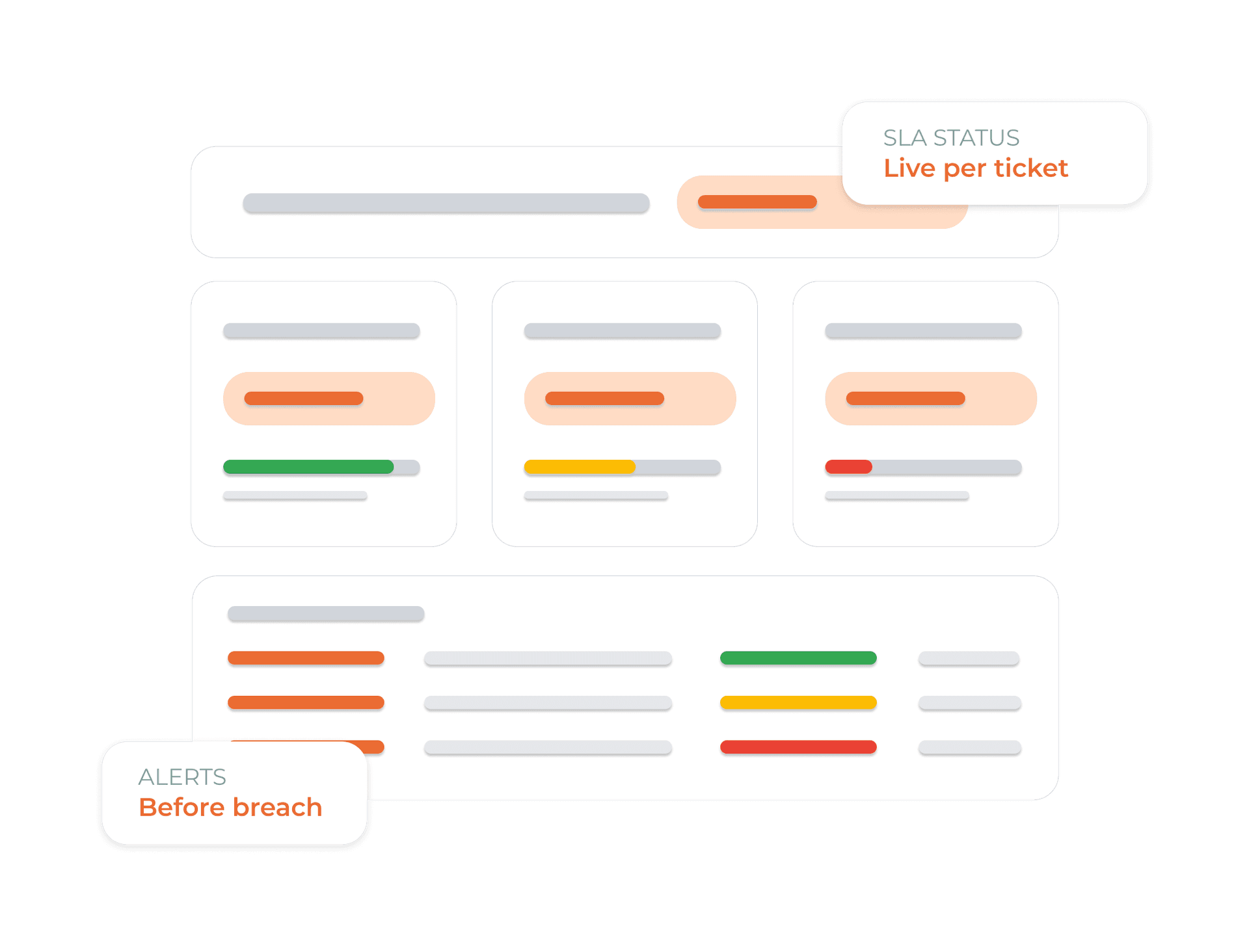
Meet Every SLA, Every Time
Set first-response and resolution time targets per team, channel, or priority level. Dunefox tracks every ticket against your SLA targets in real time with alerts before a breach, and a full report after.
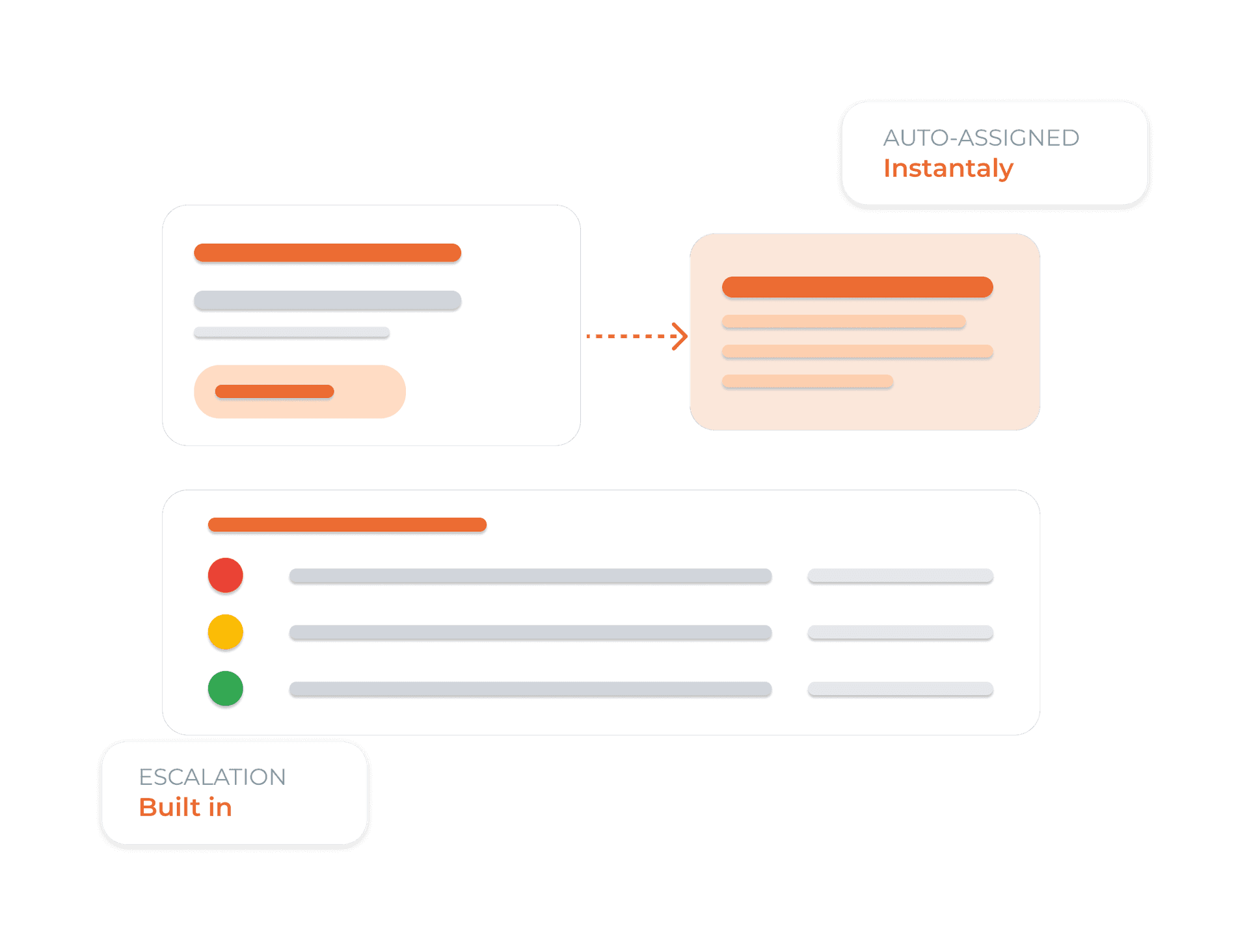
Assign to the right agent, every single time
Define assignment rules based on ticket category, priority, channel, or team capacity. When Dunefox creates a ticket, it is routed instantly to right team memebers.
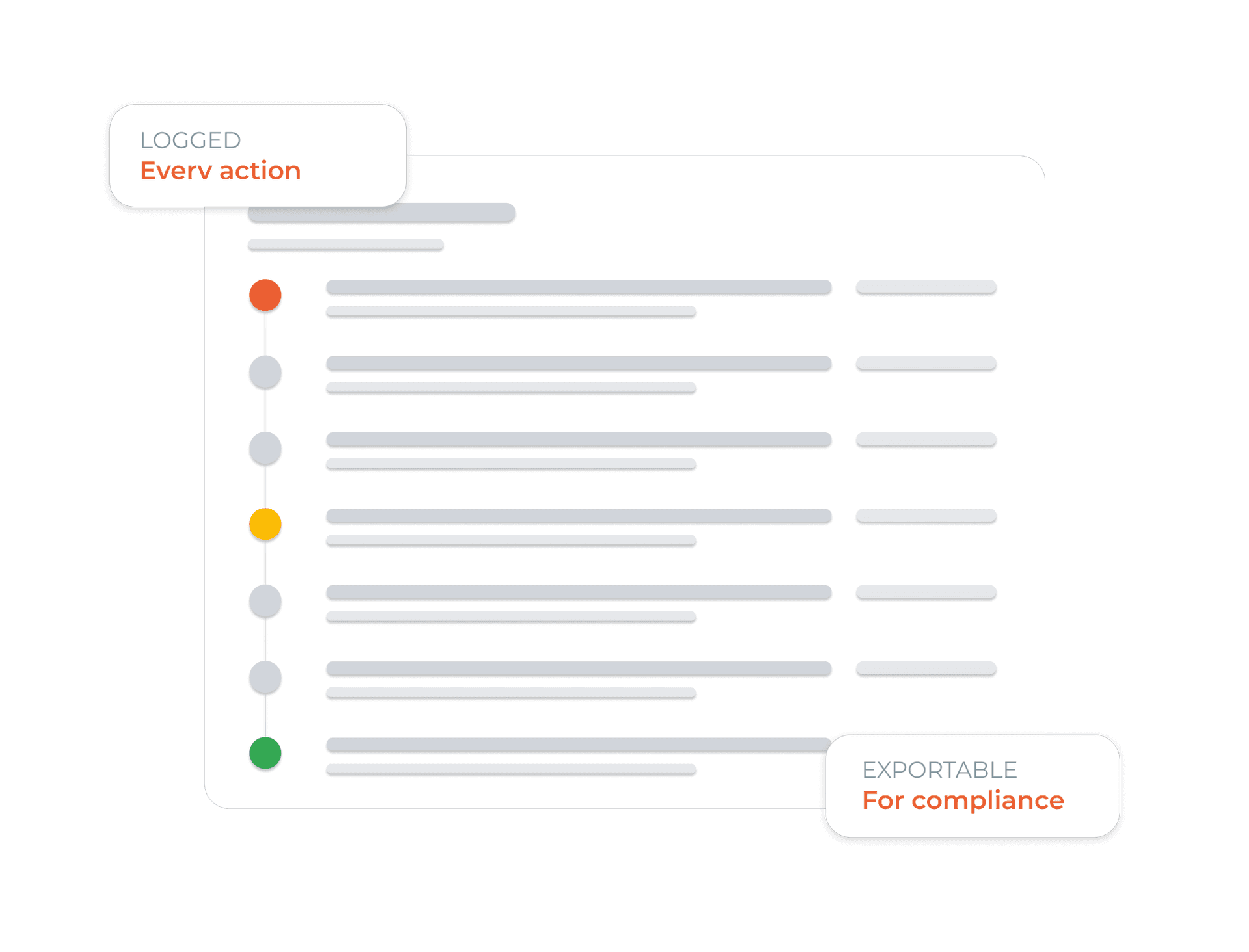
Full audit trail. Every action. Every ticket.
Every event in a ticket lifetime is logged: creation, assignment, status change, reply, escalation, and resolution. With timestamps and agent IDs. Export any time for compliance reviews or team performance analysis.
From message to resolved in three steps
The AI handles detection and creation. Your team focuses entirely on resolution.
Connect your channels
Link your WhatsApp, web widget, and email to Dunefox through guided channel connections. Once connected, every incoming message is monitored by the AI for ticket-worthy events.
WhatsApp, Web Widget, Email - all supported.AI detects when a ticket is needed
When a customer message requires follow-up action - or when the AI cannot resolve it directly - the system automatically creates a ticket, categorises it by topic and priority, and assigns it to the right agent based on your rules.
No manual triage. AI does the heavy lifting.Your team resolves with AI assist
Assigned agents see the full conversation context, ticket history, and an AI-generated reply suggestion the moment they open the ticket. They review, edit, and respond - faster than ever before.
From ticket creation to resolution - AI-powered.What you get immediately
AI ticket lifecycle
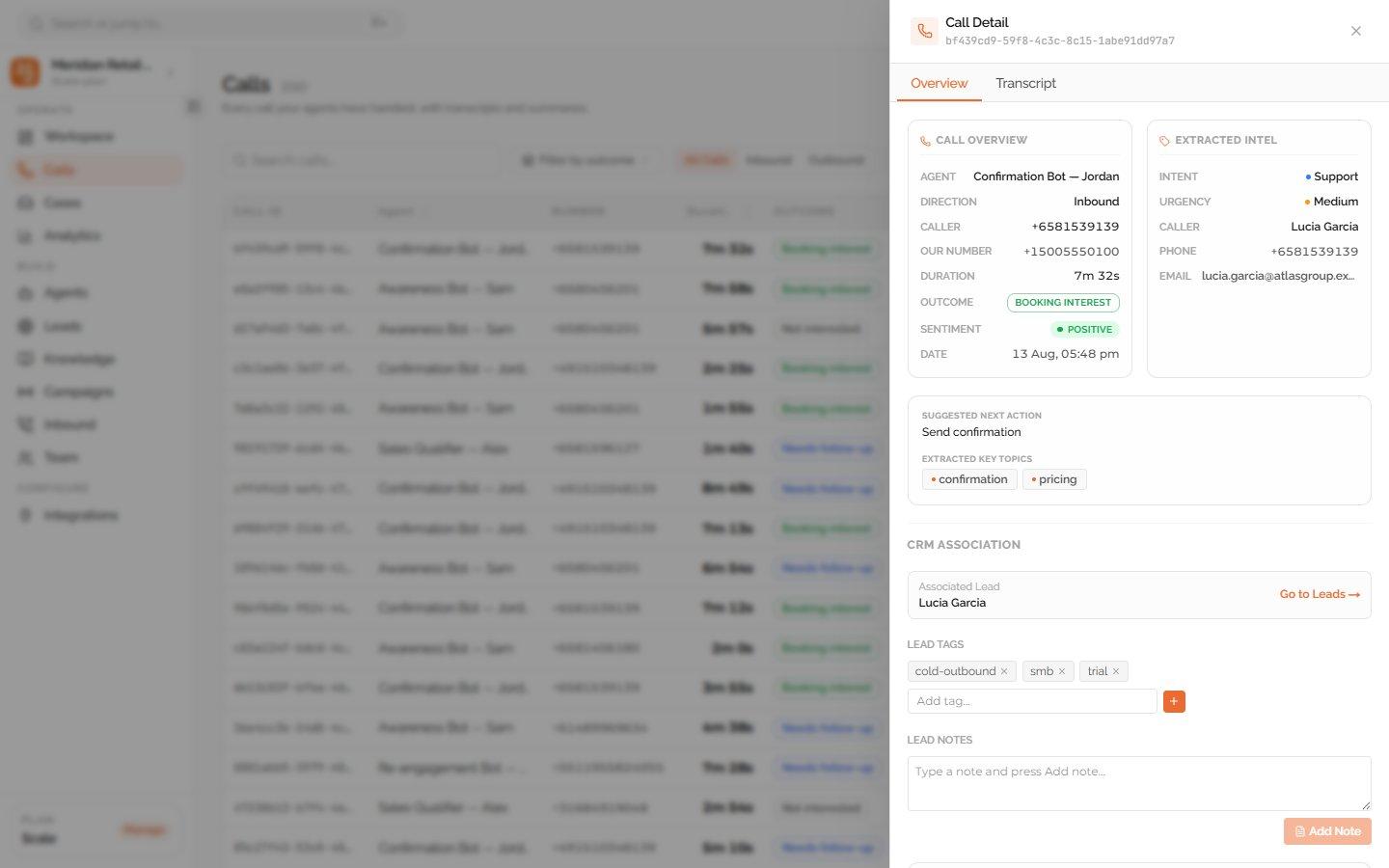
Use call summaries to speed up helpdesk follow-up
Dunefox Voice keeps the transcript, summary, outcome, and next action for each phone call. Your support team can use that verified context when deciding whether a case or human follow-up is needed.
- Review the caller request before follow-up
- Use the transcript and AI summary as context
- See the recorded outcome and next action
- Create or update support work through your team process
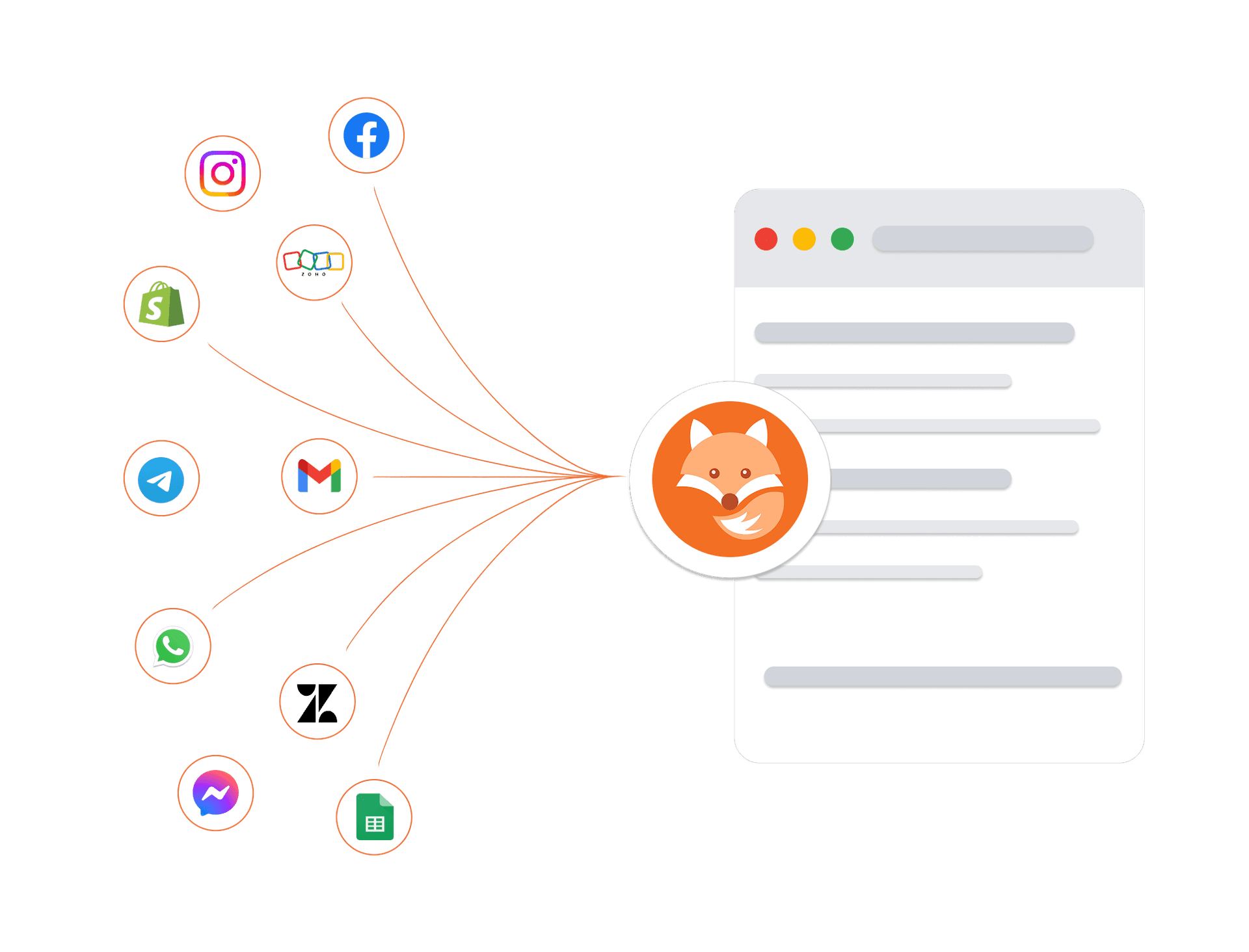
Connects to your tools. Protects your data
Connect your existing tools, including telephony providers for AI voice calling, and trust that every customer conversation is protected by enterprise-grade security architecture.
Encrypted in transit and at rest
Every conversation and customer record is protected at every layer.
Enterprise isolation
Your data is strictly sandboxed per workspace.
High-availability infrastructure
Built on managed cloud infrastructure with monitoring and backups.
GDPR-ready controls
Data export and deletion workflows are available.
Frequently asked questions about AI Ticketing
How does the AI decide when to create a ticket?
The AI analyses every incoming message and determines whether it requires follow-up action that cannot be completed instantly - such as a refund request, technical issue, or complaint - or whether the AI itself cannot resolve it. In either case, a ticket is automatically created with full context attached.
What happens to the original customer conversation when a ticket is created?
The full conversation thread - every message, timestamp, and channel context - is automatically attached to the ticket. The assigned agent has everything they need without asking the customer to repeat themselves.
Can agents still create tickets manually?
Yes. While the AI handles creation automatically, agents can manually create tickets from any conversation at any time. Manual tickets follow the same assignment rules and SLA tracking as AI-created ones.
How does SLA tracking work?
You define first-response and resolution time targets per team, channel, or priority level. Dunefox tracks every ticket against those targets in real time. Agents and supervisors receive alerts before a breach, and a full SLA report is available for any period.
How does ticket assignment work?
Assignment rules are defined in your dashboard - by category, priority, channel, or team capacity. When a ticket is created, it is routed and assigned instantly based on those rules. You can also set escalation paths so high-priority tickets are never left unattended.
Is there a full audit trail for each ticket?
Yes. Every action in a ticket's lifetime is logged - creation, assignment, status change, reply, transfer, escalation, and resolution - with a timestamp and agent ID. The full audit log is exportable for compliance reviews or team performance analysis.
From first message to resolved ticket, automatically
Bring ticketing software and a customer service ticketing system together to triage issues, assign owners, and resolve work with AI assistance.
14 days free. All Fox Pro features. No card required.