Capture leads & customer feedback with free encrypted forms
Build embeddable lead capture forms, CSAT surveys, and feedback forms in minutes. Protect submissions with encryption, route leads automatically, and trigger WhatsApp follow-ups.
Inbound Sales Contact Form
Dunefox Forms EngineLaunch lead or feedback forms in three simple steps
From form creation to automated CRM sync and WhatsApp reply, launch in 3 minutes.
Choose form type & custom fields
Select Lead Capture or Feedback / CSAT survey. Drag and drop text fields, email, phone, dropdowns, or star rating scales.
Lead capture or Feedback templateEmbed on website or share link
Copy the one-line HTML snippet into your landing page or share direct links across WhatsApp, Instagram bio, and email.
Direct URL, QR & Embed snippetAuto-sync CRM & WhatsApp trigger
Submissions are encrypted, logged in your CRM, and trigger an automated WhatsApp response or notification immediately.
Instant automated workflowForm submission lifecycle
 Voice
VoiceOne powerful form engine for leads & feedback
Whether you are capturing inbound sales leads or collecting CSAT reviews, Dunefox forms do it all effortlessly.
Turn site visitors & social traffic into pipeline
Embed lead capture forms on any page or share standalone links. Collect contact details, custom qualifying answers, and BANT sales criteria. Every lead is automatically logged, scored, and routed to your team in real time.
Measure satisfaction, NPS & post-purchase reviews
Create CSAT rating surveys, NPS net promoter score forms, and post-purchase feedback forms. Gain instant visibility into customer satisfaction, catch unhappy buyers early, and route urgent issues straight to your support team.
Encrypted submissions with automated WhatsApp triggers
Every form submission is encrypted in transit and at rest. The moment a submission arrives, Dunefox logs it into your CRM, notifies your team, and can trigger an automated WhatsApp response.
Connects to your tools. Protects your data
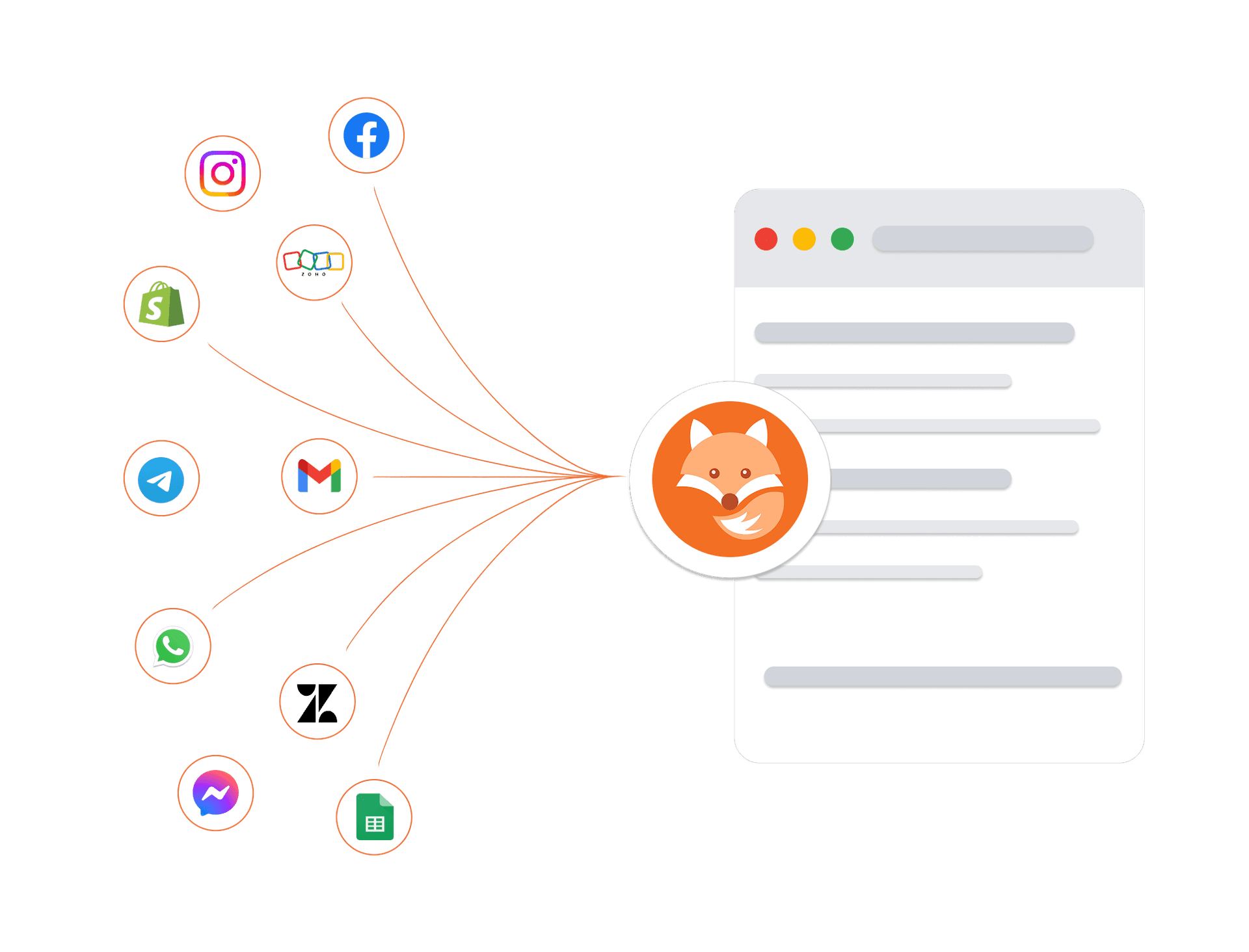
Connect your existing tools, including telephony providers for AI voice calling, and trust that every customer conversation is protected by enterprise-grade security architecture.
Encrypted in transit and at rest
Every conversation and customer record is protected at every layer.
Enterprise isolation
Your data is strictly sandboxed per workspace.
High-availability infrastructure
Built on managed cloud infrastructure with monitoring and backups.
GDPR-ready controls
Data export and deletion workflows are available.
Forms guides and comparisons
Frequently asked questions about Dunefox Forms
What is a lead capture form?
A lead capture form is an online form that collects a prospect's details, name, email, phone, and any qualifying information, and turns an anonymous visitor into a contactable lead. You embed it on your website, share it as a direct link, or add it to ads and social profiles. With Dunefox, every submission flows straight into your inbox and CRM so you can follow up instantly, including on WhatsApp.
Are Dunefox lead forms really free and unlimited?
Yes. Dunefox lead and feedback forms are completely free with unlimited submissions. There is no cap on responses, no per-submission fee, and no forced upgrade once you hit a volume threshold. This is different from most form builders, which limit free plans to a few hundred responses per month and charge as you grow.
Is the data collected through the forms encrypted?
Yes. All data submitted through Dunefox forms is encrypted, so the information your leads and customers share stays protected in transit and at rest. This matters for lead and feedback forms because they routinely collect personal contact details and sensitive feedback.
Can I embed a lead form on my website?
Yes. You can embed a Dunefox form directly on any website with a simple snippet, or share it as a standalone direct link, useful for social media bios, WhatsApp, email signatures, ads, and QR codes. The form is fully customizable so it matches your brand.
How do leads from the form reach my team?
Submissions land directly in your Dunefox inbox and CRM in real time. From there, leads can be auto-tagged, scored, routed to the right team member, and followed up automatically, including with a WhatsApp message. There is no manual export or spreadsheet step.
How customizable are the forms?
Highly. You can add and reorder fields (text, email, phone, dropdowns, multiple choice, ratings, and more), make fields required or optional, apply your branding, and set what happens after submission. The same builder works for lead capture forms, feedback forms, surveys, and registration forms.
What is the difference between a lead form and a contact form?
A contact form simply lets someone send you a message. A lead capture form is built to qualify and convert. It collects structured information, feeds a CRM, and triggers follow-up automation so the lead is worked, not just received. Dunefox forms are built for the second use case, while still handling simple contact needs.
Start capturing leads and feedback for free today
Embed on your website or share direct links. Route submissions into your CRM & WhatsApp in real time.
14 days free. All Fox Pro features. No card required.