One Inbox That Keeps Your Entire Team in Sync
Give your support and sales teams complete visibility and control. Manage roles, balance workloads, automate routing, and collaborate in real time - all powered by AI in one shared workspace.
Team Activity
Support
4 open
Sales
7 open
Technical
2 open
Support
5 open
Sarah M.
Resolved ticket #1842
Luca R.
AI reply sent to James K.
Emma B.
Assigned to Sales queue
Arjun M.
Note added on ticket #1839
23
Open tickets
141
Resolved today
< 2m
Avg. reply
Built for teams that move fast together
Roles, routing, workload visibility, and real-time collaboration tools - everything your team needs in one place.
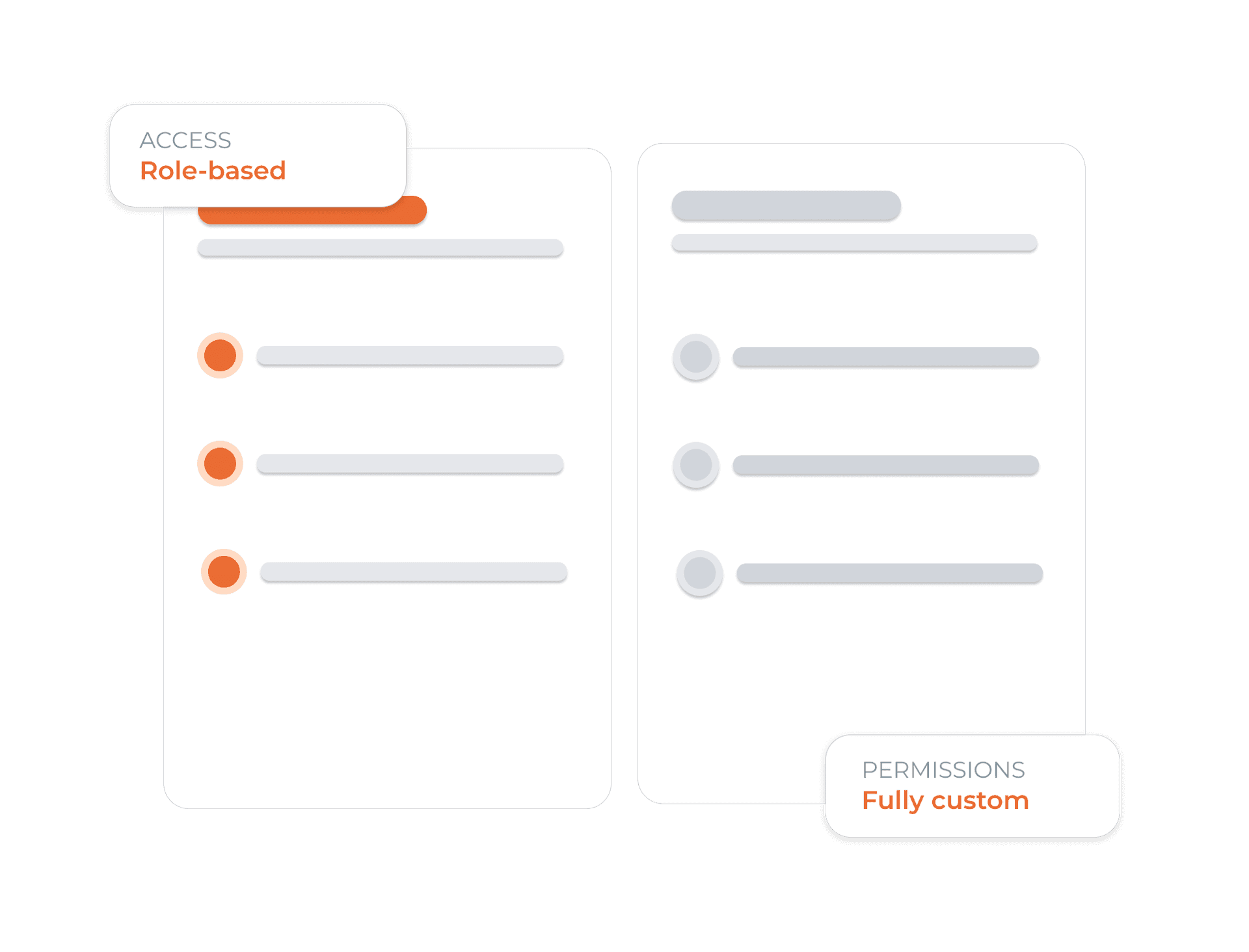
The Right Access for the Right People
Create custom roles for every team member and control access with precision. Decide who can view conversations, resolve tickets, export reports, or manage platform settings - keeping your team productive while sensitive data stays protected.
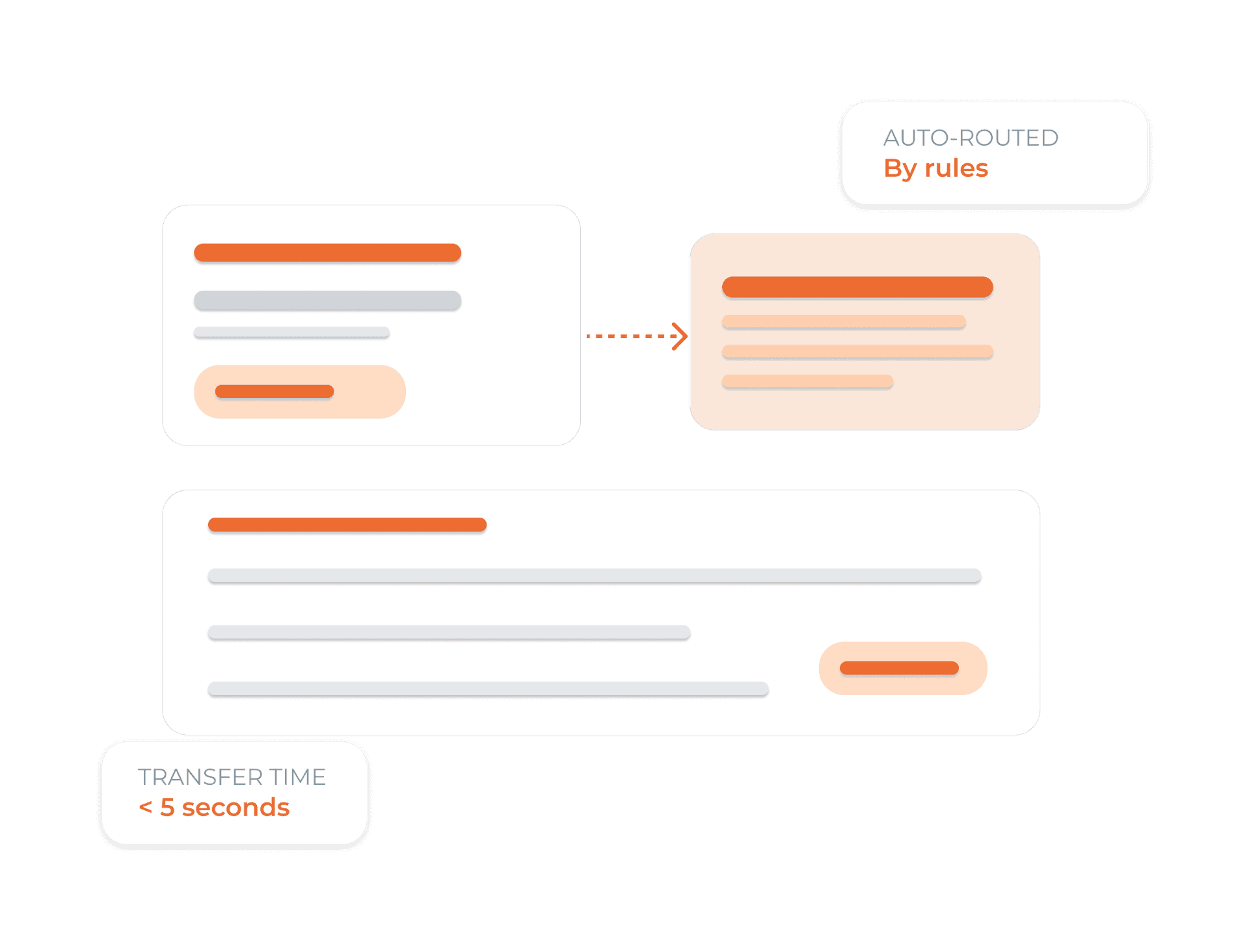
Intelligent Routing for Faster Agent Response
Set rules to automatically assign conversations based on channel, keywords, language, or customer tags. Every message goes straight to the right team or queue, so there’s no manual sorting or delays. Your team can also add private notes to collaborate on complex issues - visible only to your team, never to the customer.
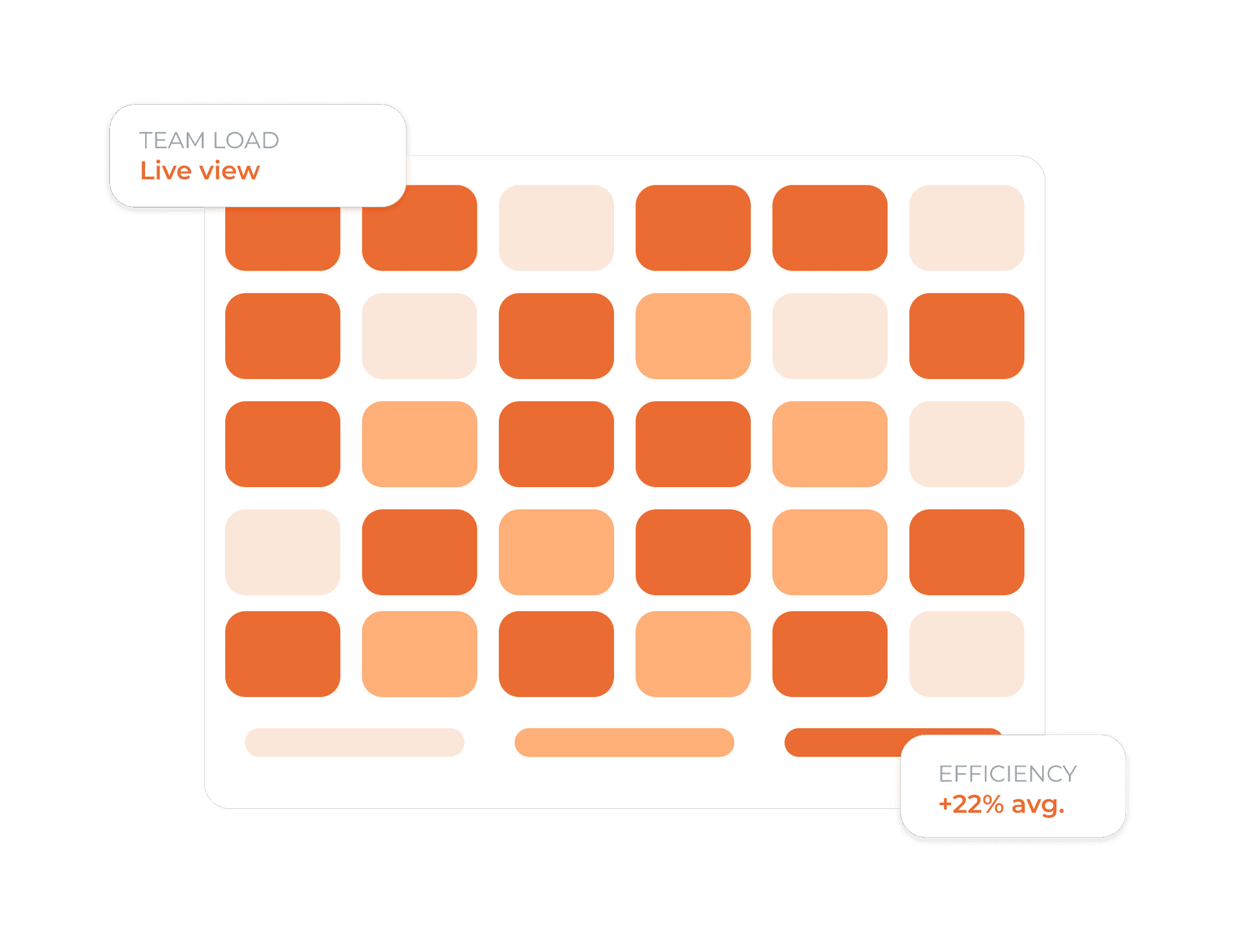
Live Performance Tracking for Every Agent and Team
Track conversation volume, resolution rates, response times, and CSAT (Customer Satisfaction) scores in real time. Spot workload imbalances before they impact performance, and use heatmaps and trend analytics to schedule smarter, support your team better, and improve customer experience at scale.
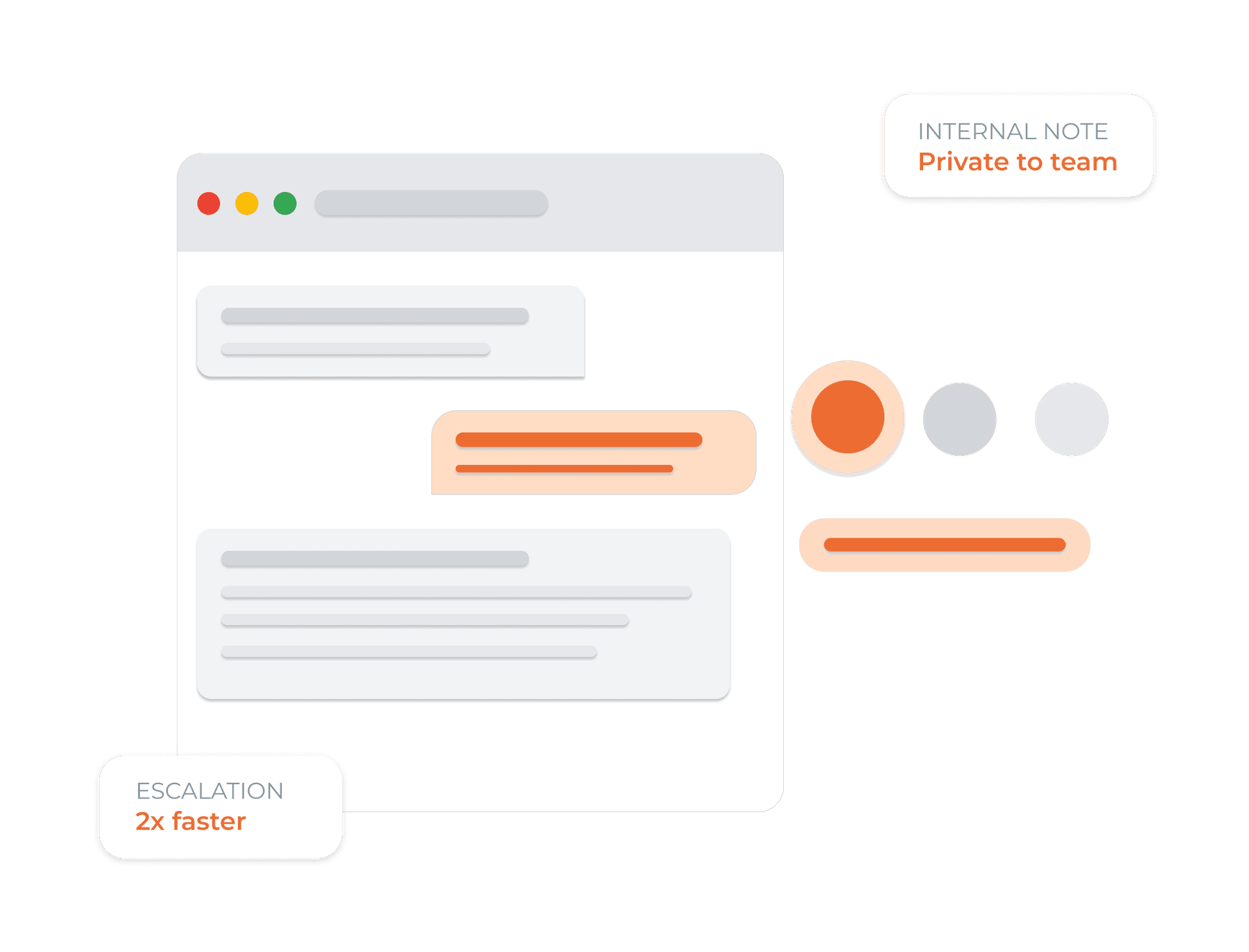
Notes and Team Hand-Offs Built Into Every Chat
Write private notes visible only to your team. Transfer messaging conversations with full context, and use Voice transcripts and outcomes when the next step happens by phone.
Set up your team in four simple steps
Invite your team
Add agents, supervisors, and admins. Set role-based access for messaging workflows and Voice operations.
Configure routing rules
Define routing by channel, keyword, or customer tag, and give teammates the context required for Voice follow-up.
AI assists every agent
As agents reply, the AI suggests responses drawn from your knowledge base. Review and send in seconds.
Monitor and optimise
Track workload, resolution speed, and CSAT per agent. Use insights to staff smarter, every day.
 Voice
VoiceGive your team the context behind a Voice handoff
Dunefox Voice extends the suite to phone calls. When a conversation needs a person, your team can receive the caller details, handoff reason, and available call context before continuing.
- Pass caller details with the handoff
- Explain why the AI needs a person
- Review call records in the Voice dashboard
- Use team roles for the follow-up workflow
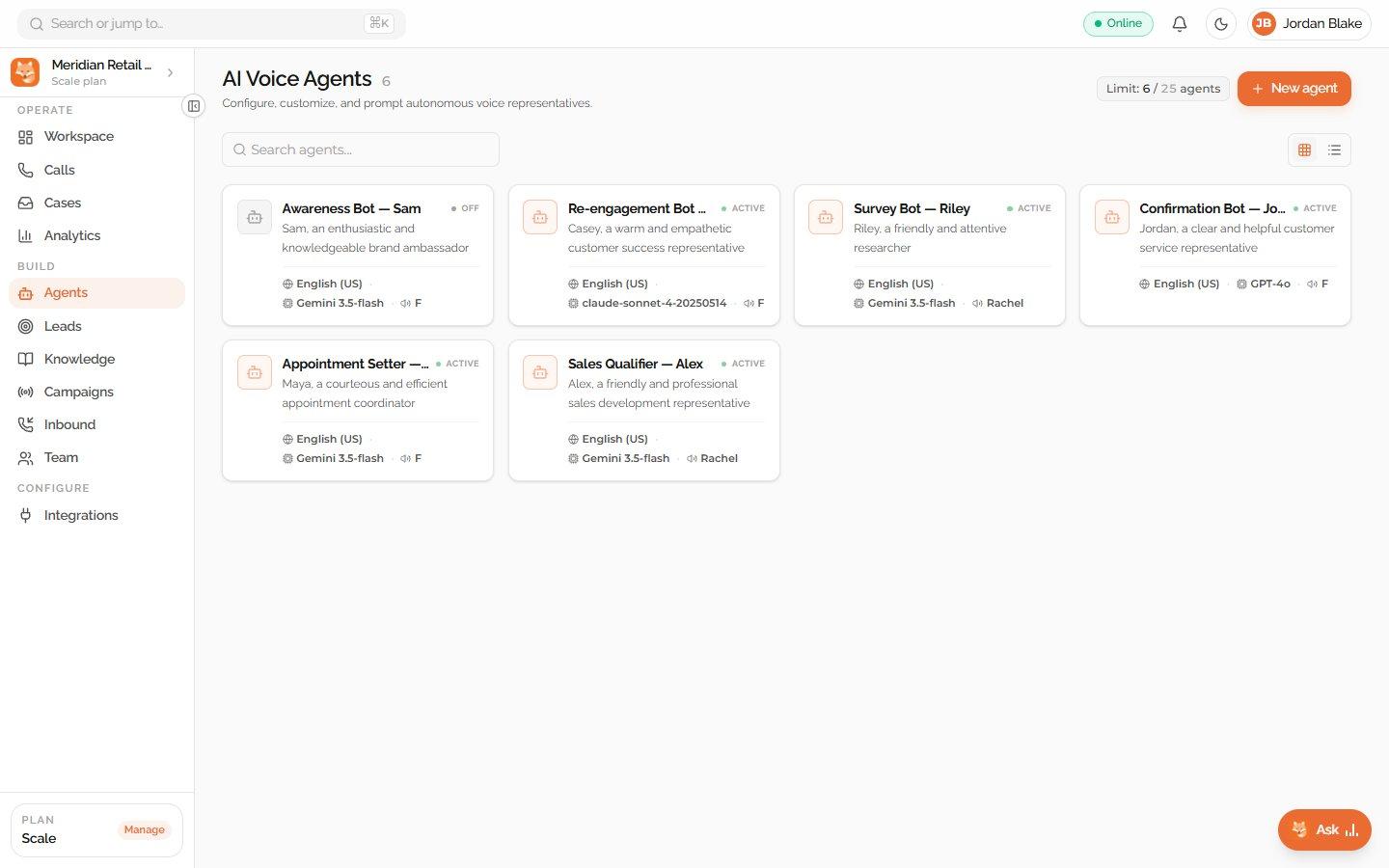
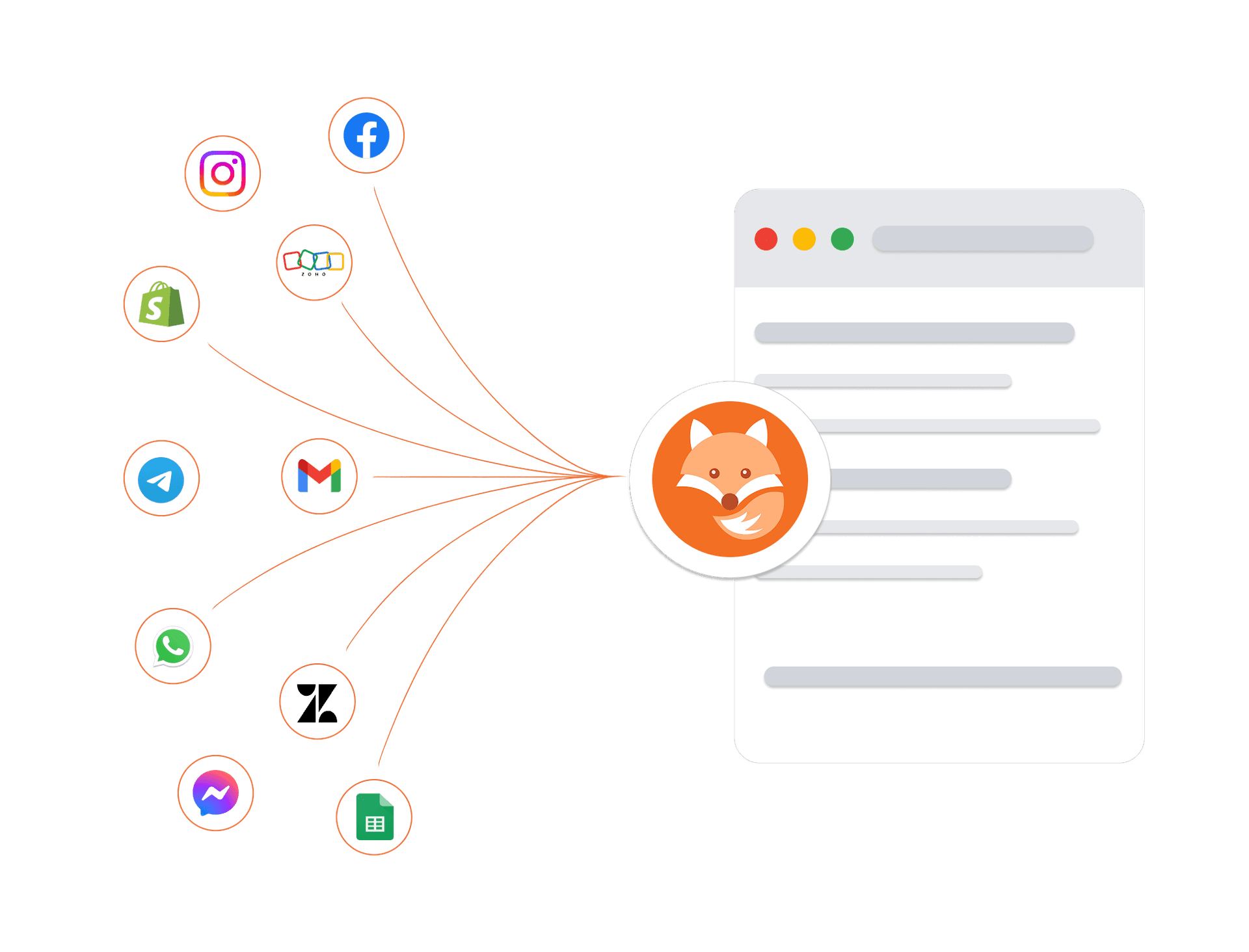
Connects to your tools. Protects your data
Connect your existing tools, including telephony providers for AI voice calling, and trust that every customer conversation is protected by enterprise-grade security architecture.
Encrypted in transit and at rest
Every conversation and customer record is protected at every layer.
Enterprise isolation
Your data is strictly sandboxed per workspace.
High-availability infrastructure
Built on managed cloud infrastructure with monitoring and backups.
GDPR-ready controls
Data export and deletion workflows are available.
Frequently asked questions about Teams & Roles
What is the Dunefox shared inbox?
The Dunefox shared inbox is a unified workspace where all customer conversations from WhatsApp, Facebook Messenger, Instagram Direct, Telegram, and website chat arrive in one view. New messages appear in real time without page refresh. Conversations are sorted by latest activity with unread count badges. Teams use filters to view by channel, read status, assignment, or open/closed state.
Can multiple agents use the Dunefox inbox at the same time?
Yes. Dunefox supports multi-agent workspaces across all paid plans. Business owners and managers can assign any conversation to a specific agent with one click, which automatically creates a support case. Agents see only conversations assigned to them by default. The 'Manage Chats' permission can be granted to allow agents to view all conversations.
How does the AI to human handoff work in the Dunefox inbox?
Each conversation has an AI/Human toggle. In AI mode, the Dunefox AI agent responds automatically. When a team member switches to Human mode, they take over the conversation directly and the customer receives a friendly notification. Switching back to AI mode re-enables automated responses.
Can agents search for conversations in the Dunefox inbox?
Yes. The Dunefox inbox includes full-text search across conversations, letting you search by customer name, message content, or case number. Quick filters allow instant views of unread conversations, assigned conversations, conversations with a contact name, or conversations from a specific channel (e.g., only WhatsApp or only Instagram).
Does the Dunefox inbox work on mobile?
Yes. The Dunefox inbox is fully responsive and adapts to any screen size, including mobile browsers. Agents can read, reply, assign, and manage conversations from a phone or tablet without needing a desktop. There is no separate mobile app required.
Empower your team with smart AI collaboration
Use team inbox software and a shared inbox for teams to assign conversations, manage permissions, and balance support workloads.
14 days free. All Fox Pro features. No card required.