
Most AI message generators just hand you a paragraph of text. Building an actual WhatsApp Business API template, with the right category, variables, and formatting Meta will approve, has always meant tedious manual work on top of that.
Dunefox's AI message generator does both at once: describe the message you want in plain English, and it builds a complete, Meta-ready WhatsApp template. Here's how it works.
Why WhatsApp templates are so tedious to write
Anyone who has set up the WhatsApp Business API knows the friction: every business-initiated message needs a pre-approved template, and templates have rules. You have to pick the right category, structure the header and body correctly, insert variables in the exact {{1}} {{2}} format, add buttons, and phrase everything so Meta approves it rather than rejecting it.
Get any of that wrong and Meta rejects the template, you fix it, resubmit, and wait again. For a small team, building a library of templates for order updates, reminders, offers, and support can eat an entire afternoon.
What Dunefox's AI message generator actually does
You describe the message. The AI message generator builds the whole template.
Type something like "order confirmation with customer name and order ID" or "festive discount offer with a Shop Now button," and the assistant fills in the entire template form live: the template name, the correct category, the header, the body with variables placed correctly, the footer, and the buttons.
That's the difference between a generic AI message generator that hands you a paragraph of text, and one built specifically for WhatsApp: it produces a structured, Meta-ready template you can actually submit and send, not just copy.
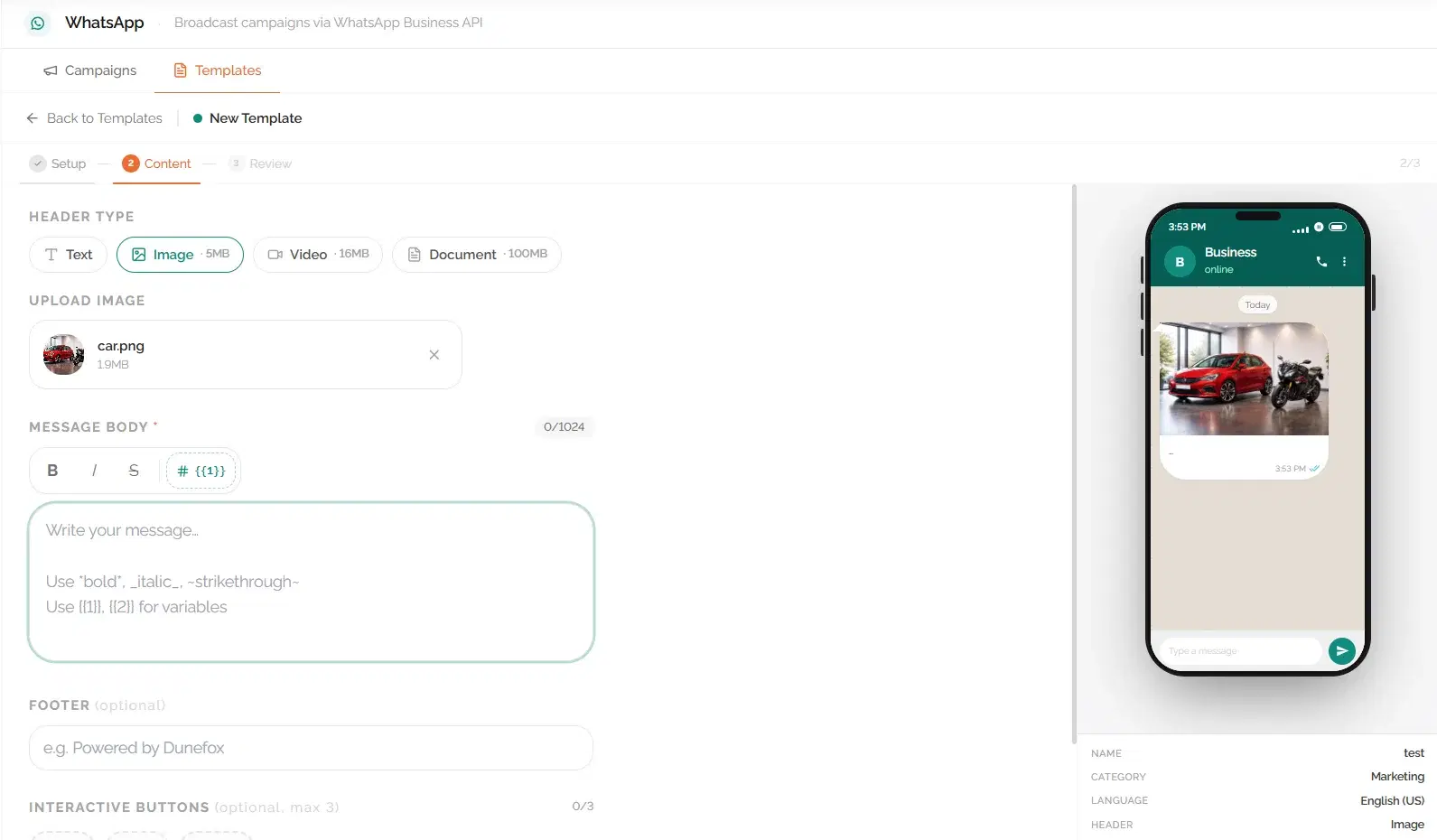
Refine it in plain language
The assistant is conversational. Once it drafts a template, you keep talking to it: "make it shorter," "add a tracking link button," "change the tone to be more formal," "add a variable for the delivery date." Each instruction updates the whole template instantly, with no manual field editing.
This turns template creation from a form-filling chore into a quick back-and-forth that gets you exactly the message you want.
Examples you can try
- "Order confirmation with customer name and order ID"
- "Festive discount offer with a Shop Now button"
- "Appointment reminder with date and time"
- "Delivery update with a tracking link"
- "Payment reminder with the amount and a Pay Now button"
Want ready-made options too? Browse our WhatsApp message template library for copy-paste templates across promotions, reminders, introductions, and more, then customize any of them with the AI.
From template to sent message
A template is only useful once it's approved and sending. Inside Dunefox, the AI-built template goes straight into your WhatsApp Business API account. Submit it to Meta, and once approved, use it in automated broadcasts and campaigns to reach your customers at scale.
Try the AI template generator free
Start with the free WhatsApp Template Generator tool to see the structure, then move into the Dunefox app to build templates with the full AI assistant and send them to your customers.
Describe it, refine it, ship it. No more fighting with template formatting.
Frequently Asked Questions
An AI message generator creates written messages from a short prompt, so you don't write from scratch. Dunefox's version is purpose-built for WhatsApp: instead of just producing copy, it builds a complete, structured WhatsApp Business API template that is ready to submit to Meta, covering name, category, header, body with variables, footer, and buttons.
Describe your message in plain English and let Dunefox's AI build a Meta-ready WhatsApp template, with variables, buttons, and category included.
Try the template generator